90s Pagers and Beepers for Custom Merchandise
Quick Answer
WEX can discuss custom merchandise and text-based products using the W2028 or another existing pager platform. Options include housing colors, branding, startup content, preloaded text and button operation. Customers can bring an intended use, reference design or sketch to discuss a suitable development approach.
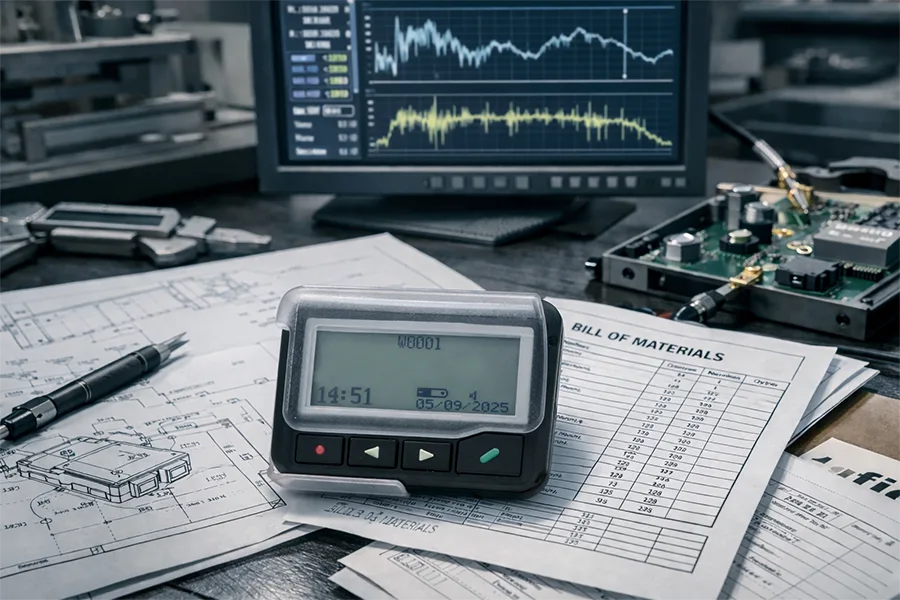
Someone looking for a 90s pager or a 2000s beeper may want a vintage collectible. Others may be looking for a familiar shape to use in their own branded product. If your goal is to develop a batch of devices with your branding, selected content or specific controls, an existing pager platform can be a practical place to start.
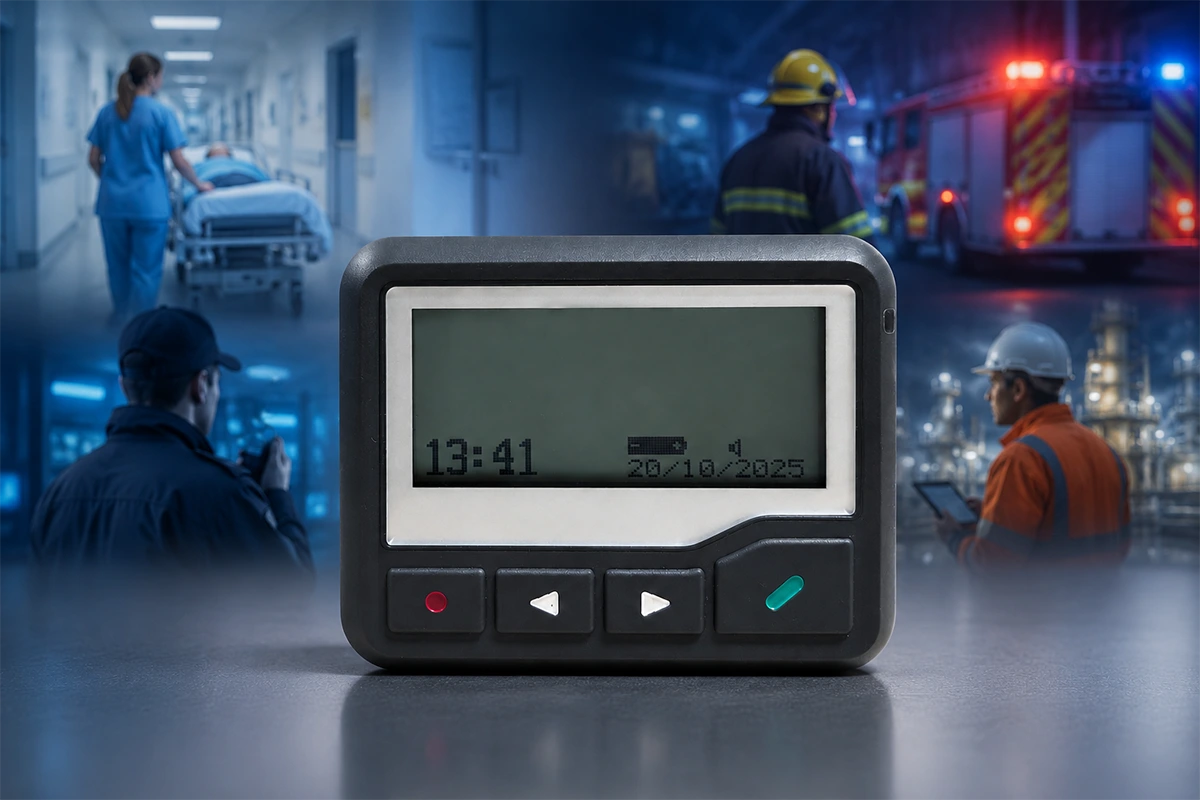
Pagers are still manufactured and used today. The W2028 combines a classic housing, small display and physical buttons. A customer can retain that familiar form while discussing functions built around their own content and intended use.
90s Pager Designs for Merchandise and Content Projects
A classic pager design can be combined with content and branding the customer has already developed.
Consider a reading-themed merchandise concept: retain the W2028 housing, use the brand's colors and exterior logo, and display the brand name at startup. A button press brings up a preloaded short passage; another press moves to the next message. The customer supplies the selected text and agrees the required controls with WEX.
This concept shows how appearance, content and buttons can work together as a product, with the functions implemented through custom development. It is an application illustration, rather than a completed customer case study.
The same approach can be discussed for creator merchandise with existing short text and a visual identity, or branded event keepsakes with an established theme. Customers can share a reference design or sketch and describe the appearance and functions they want.
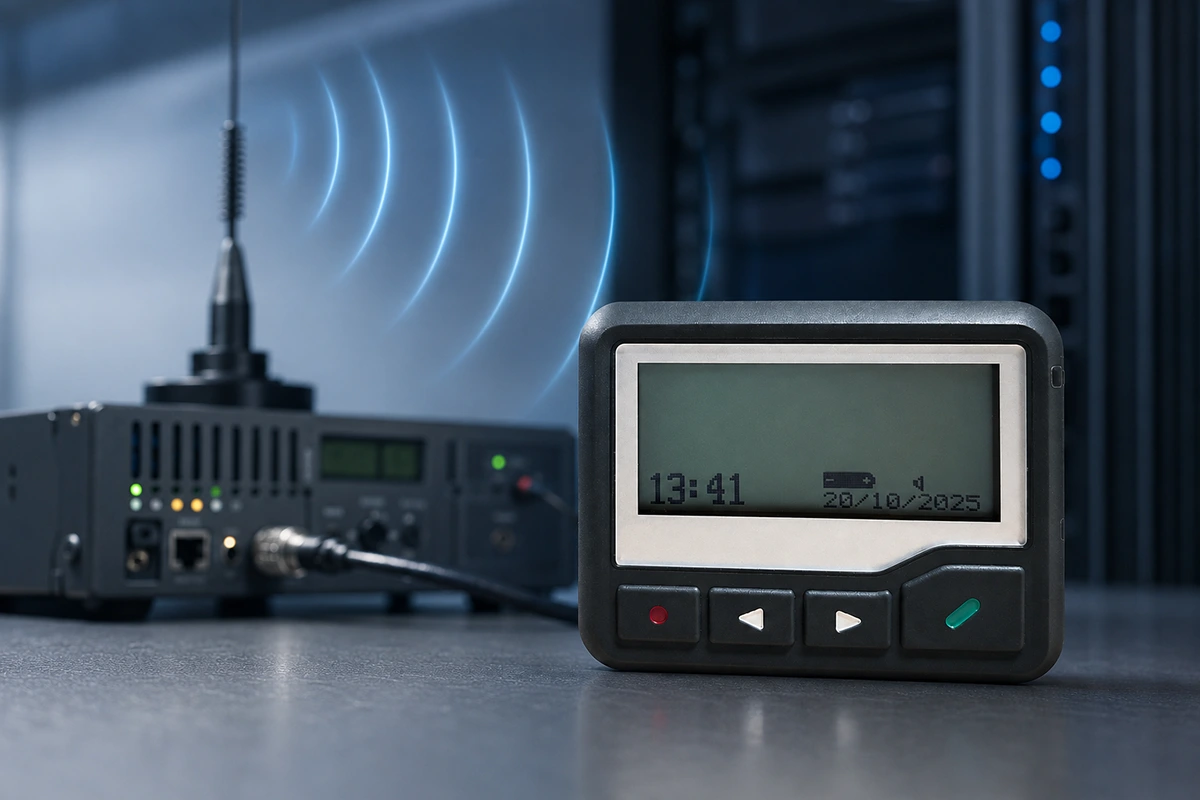
A product built around stored text has different requirements from one that needs conventional wireless paging reception. WEX first considers the intended use, then discusses the corresponding functions.
An Old-School Pager Look: Start with the W2028
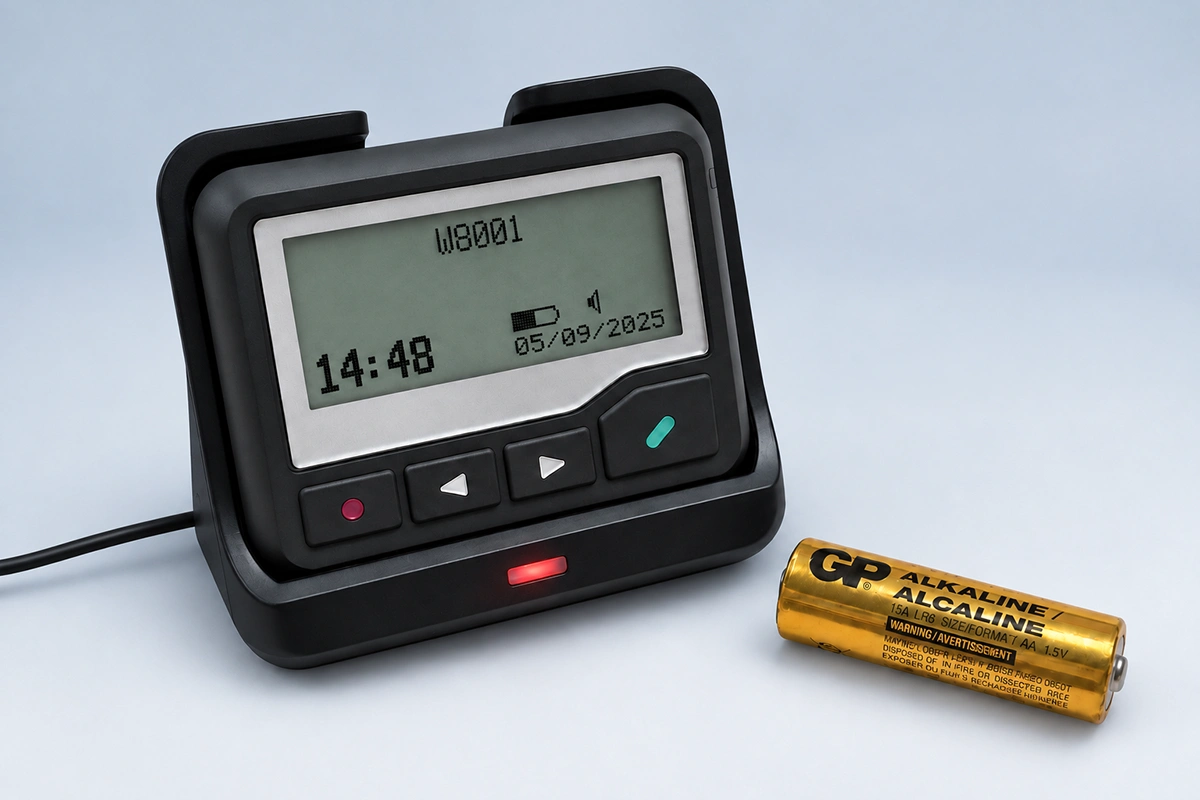
The WEX W2028 pager offers a concrete starting point. Its compact body, small display and physical buttons suit projects that want to retain a recognizable old-school pager appearance.
The W2028 uses a replaceable AAA battery. Its low-power platform is also worth considering for projects that aim to reduce routine charging. For products centered on short text and simple button interactions, a rechargeable design is not the only option. Battery life is evaluated according to the final firmware, display settings, alert frequency and battery specification.
A Vintage Pager Look in a Newly Manufactured Product
Choosing a vintage pager look does not have to mean sourcing used devices. A project can use an existing production platform as the basis for its own branding, content and functions. Customers can first review the standard model's appearance, then discuss the changes needed for their product.
The W2028 is the main example in this article. Other WEX pager models, including the W8001, W8008 and W2008 series, can also be considered. Differences in housing, display and power arrangements help determine which platform suits a project.
What Can You Customize on a Retro Pager?
Customization can cover the exterior, branding, content and operation. The following are options to discuss, rather than a list of functions already included in every standard model.
| Customization area | Options to discuss |
|---|---|
| Housing and colors | Housing colors and transparent or translucent finishes where suitable for the design |
| Branding | Exterior logos, product markings and branded startup content |
| Preloaded text | Customer-supplied short passages, themed messages, reading prompts or brand content |
| Buttons and display | Required interactions, such as button browsing or sequential or random message display |
| Alerts | Alert sounds or related functional changes suited to the intended product |
Describe the operation you need: what appears at startup, what happens when a button is pressed, and whether an alert is required. These descriptions help identify the firmware and functional changes without requiring a complete technical specification at the first conversation.
Custom Pager Development: Confirm Functions Before New Tooling
Custom projects can move forward in stages. When a project requires both functional changes and a new housing design, WEX typically starts with the W2028 or another existing pager platform. The required functions are developed and tested so the customer can evaluate the operation and displayed content before proceeding.
Once the functions have been tested and approved, the project can move into custom housing and mold development where needed. This approach allows customers to validate the core product experience first and spread development commitments across stages.
If an existing housing already suits the project, branding, colors, content and functions can be discussed within that platform. A completely new exterior proceeds through subsequent mechanical design, tooling and prototype approval.
Development costs depend on the scope of customization. Functional or firmware changes may involve development fees, while a new housing may require mechanical design and tooling. Not every project needs all these stages. The development work and related costs are discussed according to the requirements.
Discuss Your Custom Pager Project with WEX
Contact WEX if you have an intended use, sketch or reference design, or if you want to adapt the functions of the W2028 or another existing model. You do not need a complete technical specification to begin the conversation.
Start by describing who the product is for, what you want it to display or do, and any reference design you already have. If branding or more detailed functional requirements are available, share those as well. This helps identify a suitable starting platform and what needs to be evaluated next.
Can Pagers Be Tracked? GPS and Location Reporting
Related Article