How Does a Pager Work? From Radio Signal to Alphanumeric Message Display
Quick Answer
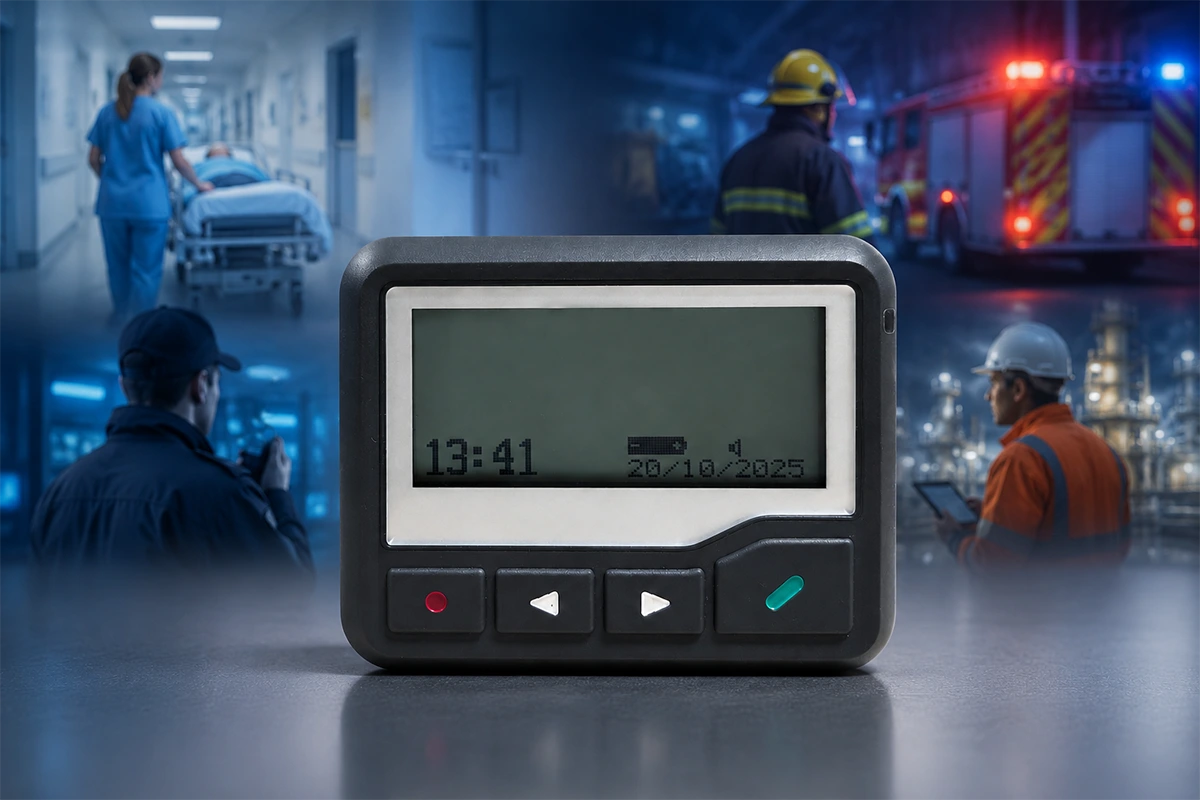
A pager, also called a beeper, is a compact radio receiver rather than a simplified mobile phone. A message is created in a compatible sending system, addressed and encoded, and then broadcast by a paging transmitter. The pager monitors its programmed frequency, identifies messages assigned to its capcode or RIC, decodes the data, and alerts the user with sound, vibration, or a visual indication. A standard one-way pager can receive numeric or alphanumeric messages but cannot reply or confirm that the message was read.
What Is a Pager or Beeper, and What Does It Do?
A pager is a portable device designed to receive short wireless alerts. “Beeper” is another name for the same general type of device, derived from the audible beep produced by early models.
The pager is only the receiving end of a complete paging system. It does not normally create or transmit the original message. Depending on the model and system, a pager may receive a tone, a callback number, a predefined numeric code, or an alphanumeric message containing text and numbers.
Most professional POCSAG pagers are one-way devices. They receive addressed messages but do not establish a voice call or a two-way chat session. Their purpose is to make a specific alert visible and noticeable to the assigned user.
How Did Pagers Work Before Mobile Phones?
In many early service-based paging systems, a caller dialed a pager number or contacted an operator and entered a callback number. The paging network then transmitted the number over radio, and the pager beeped and displayed it. The recipient found a nearby telephone and called the displayed number to learn why they were needed.
Later numeric systems supported predefined codes, while alphanumeric pagers could display short text messages. Private systems also allowed organizations to send messages from an internal terminal or dispatch point.
The user experience has evolved, but the basic delivery principle remains recognizable: a message is created, assigned to a pager address, broadcast over radio, received by the correct pager, and presented as an alert.
How Does a Pager Work? The Complete Message Path
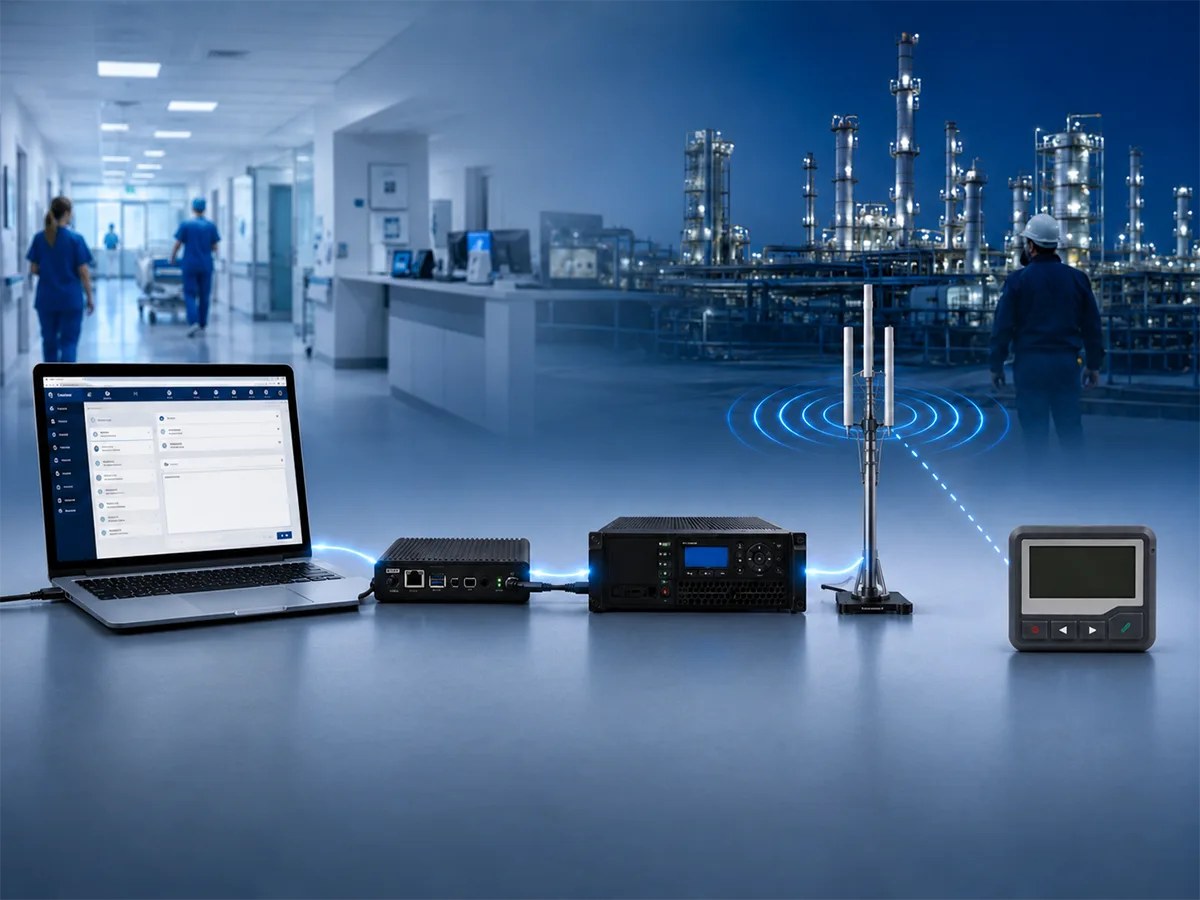
A typical professional paging path can be summarized as:
Message Source → Controller or Encoder → Paging Transmitter → Antenna → Pager
Each part has a separate job. Understanding the complete path also explains why purchasing a pager alone does not guarantee compatibility with an existing system.
1. A Message Is Created
The process begins with a message source. It may be PC paging software, a web interface, a dispatch console, a telephone input, a nurse call platform, an alarm panel, or a monitoring system.
The message may contain a callback number, equipment alarm, location, staff request, or short action instruction. The sender also selects the individual pager or pager group that should receive it.
2. The Message Is Addressed and Encoded
A controller, gateway, or encoder prepares the address and message in a format accepted by the paging equipment. In a POCSAG system, the data must use compatible addressing, message formatting, and transmission speed.
The address is important because a radio signal may reach many pagers within the coverage area. The system must identify which pager—or which programmed group—should respond.
3. The Transmitter Broadcasts the RF Signal
The paging transmitter converts the prepared data into a modulated radio-frequency signal. The antenna then broadcasts that signal across the planned coverage area.
Unlike a telephone call, a standard one-way paging transmission does not create an individual connection with each receiving device. Multiple pagers can hear the radio channel, but only pagers programmed for the relevant address should alert.
For a closer look at the sending side, see how a paging transmitter works in a complete paging system.
4. The Pager Receives and Displays the Message
The pager monitors its programmed radio frequency. When it detects a compatible transmission, it processes the address information and determines whether the message matches one of its programmed capcodes or RICs.
If the address matches, the pager decodes the message and activates the configured alert. Depending on the model and settings, this may be a tone, vibration, flashing indication, or a combination of alerts.
A numeric pager displays numbers or predefined codes. An alphanumeric pager can display readable text and numbers. Many models can also store received messages for later review, although storage capacity and functions vary by device.
How Does a POCSAG Pager Recognize the Correct Message?
POCSAG is a radio-paging code used to carry address and message information. A working POCSAG project depends on several settings being aligned across the transmitter, controller, and pager.
Frequency and Baud Rate
The pager must be configured for the exact operating frequency used by the transmitter. Describing both devices as VHF or UHF is not enough because equipment within the same broad band may still use different frequencies.
POCSAG commonly operates at 512, 1200, or 2400 bps. The pager must be able to decode the baud rate used by the system.
Pager compatibility also depends on POCSAG pager frequencies, baud rate, capcode/RIC, and message format.
Capcode or RIC
A capcode, also called a RIC, functions as the pager address within the POCSAG system. When an address is received, the pager checks whether it matches one of the addresses programmed into the device.
An individual capcode can be assigned to one pager. A shared group capcode can be programmed into several pagers so that one transmission alerts an assigned department, shift, or response team.
The radio broadcast may cover many devices, but the address determines which pagers respond visibly or audibly.
Numeric and Alphanumeric Data
Numeric messages are suitable for callback numbers and agreed codes. Alphanumeric messages can provide more context, such as an event, location, equipment reference, or required action.
The pager cannot decide by itself what information should be sent. The message source, encoder, paging protocol, and receiver must all support the intended message type.
How Does a Pager Work in a Hospital?
A hospital pager follows the same radio delivery process as a pager in another professional environment, but the address may correspond to an individual, a role, or a response group.
Hospitals planning to replace or expand pagers should evaluate the complete hospital paging system workflow before selecting new devices.
Individual, Role, and Group Alerts
A message may be sent from an operator, dispatch desk, nurse call platform, monitoring system, or other authorized source. The sender selects an individual address or a group address and enters a callback number or short text message.
Some organizations assign a pager to a role rather than permanently assigning it to one person. For example, an on-call pager can be transferred to the next responsible employee during shift handover. This is an operational procedure, not an automatic function of every pager.
A group capcode can also allow one alert to reach several programmed pagers at the same time.
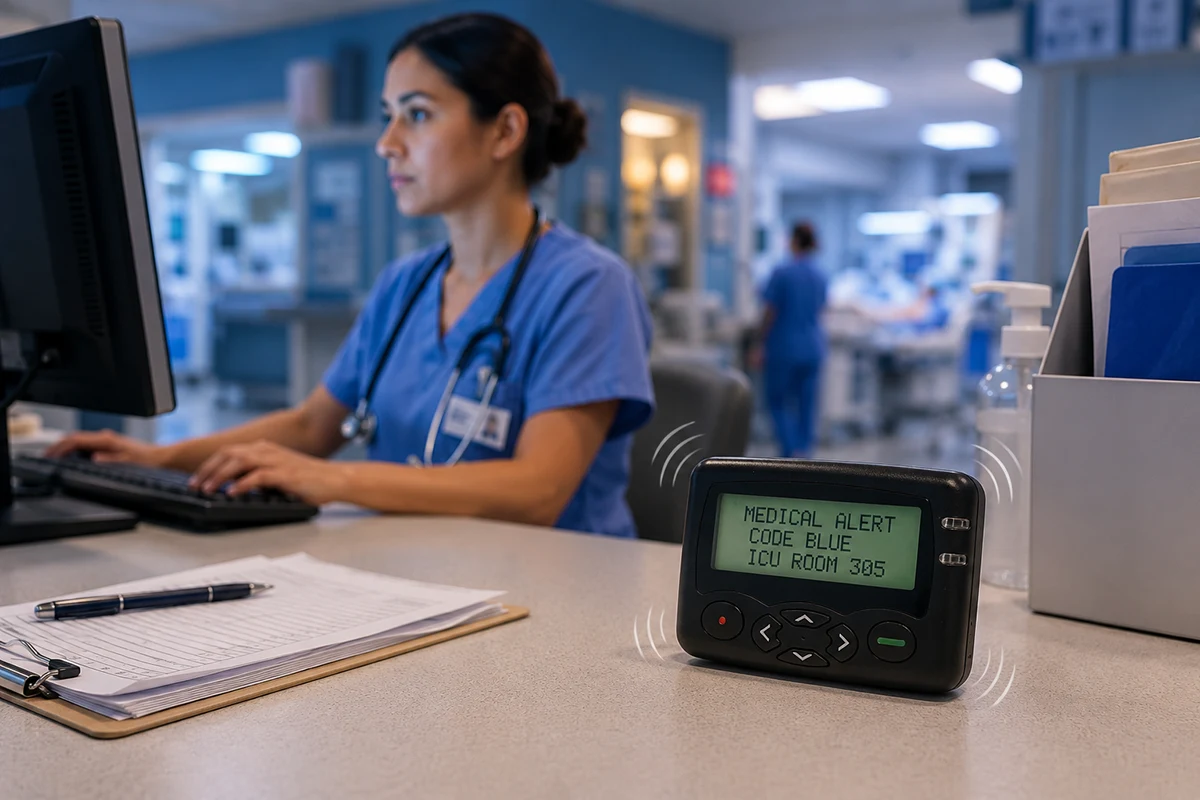
An alphanumeric hospital message might appear as:
ON-CALL ALERT / WARD B / CALL EXT 5260
The pager alerts, displays the message, and allows the user to see the requested action without answering a call immediately.
Responding to a One-Way Page
A standard one-way pager cannot return a read receipt or response. The recipient may call the displayed extension, contact dispatch, go to the specified location, or use a telephone, radio, or secure mobile platform to confirm the next action.
A sending log shows that the system processed or transmitted a message. It does not prove that the recipient read it or acted on it.
Common Pager Types and Their Differences
Pagers can be grouped by the type of information they receive and whether they provide a return communication path.
| Pager Type Comparison | |||
|---|---|---|---|
| Pager Type | What It Receives | Can It Reply? | Typical Function |
| Tone-only pager | Audible alert | No | Attracts attention without displaying details |
| Numeric pager | Numbers or simple codes | No | Callback numbers and predefined alerts |
| Alphanumeric pager | Text and numbers | No | Event, location, and action messages |
| Two-way pager | Text with return capability | Yes | Acknowledgment or limited replies |
WEX primarily focuses on one-way alphanumeric POCSAG pagers for professional alert reception rather than two-way messaging devices.
What Affects Pager Reception and Range?
Pager range cannot be determined by one advertised distance. Actual reception depends on the complete RF design, including transmitter power, antenna type and placement, feed-line loss, operating frequency, building materials, interference, and pager receiver performance.
Basements, reinforced structures, mechanical rooms, stairwells, and separate buildings may produce different results from an open outdoor test. A higher transmitter power also cannot correct a frequency or protocol mismatch.
All wireless systems use radio technology, including cellular phones. Paging should therefore not be described simply as “radio instead of cellular.” The relevant difference is the network design, operating frequency, transmitter and antenna arrangement, receiver, and intended communication workflow.
Coverage should be tested under realistic operating conditions rather than assumed from a specification alone.
What Should Buyers Confirm Before Ordering a Pager?
Before selecting new or replacement pagers, buyers should confirm:
- Country and application
- Existing pager and transmitter model
- Paging protocol
- Exact operating frequency
- Baud rate
- Individual and group capcodes
- Numeric or alphanumeric message type
- Required quantity
- Battery preference
- Durability and accessory requirements
These details help determine whether the new pager can receive messages from the existing system. Appearance, general frequency band, or a product description alone cannot confirm compatibility.
WEX provides alphanumeric POCSAG pagers for professional alerting projects with project-specific frequency and programming requirements.
Frequently Asked Questions
Is a beeper the same as a pager?
Generally, yes. “Beeper” is an informal name associated with the audible alert produced by early pagers. “Pager” is the broader term and includes tone-only, numeric, alphanumeric, and two-way devices.
Do pagers work without cellular service or Wi-Fi?
The pager receiver does not need cellular data or Wi-Fi to receive a compatible radio paging signal. However, it still requires coverage from a suitable paging transmitter or paging network. Software, remote message entry, or other upstream system components may use IP networks.
How does a pager know which message is intended for it?
The pager checks the address in the paging transmission against its programmed capcode or RIC. If the address matches an individual or group capcode stored in the pager, the device decodes the message and activates its alert.
Can a one-way pager reply or confirm message delivery?
No. A standard one-way pager does not transmit a reply, read receipt, or delivery confirmation. Acknowledgment requires a separate return channel, such as a telephone, radio, secure mobile platform, or another two-way communication device.
Conclusion: A Pager Is the Receiving End of a Complete Paging System
A pager works by monitoring a programmed radio frequency, identifying an individual or group address, decoding the associated data, and presenting the result as an audible, vibrating, or visual alert.
Reliable operation depends on more than the pager itself. The message source, controller, transmitter, antenna, frequency, baud rate, capcode plan, message format, and coverage conditions must work together.
For a professional paging project, begin by confirming the existing system, exact frequency, baud rate, capcode requirements, message type, application, and pager quantity.
Hospital Staff Paging Systems: How Targeted Staff Alerts Work
Wireless Paging System for Business: Types, Components, and Staff Alerts
Related Article