PagerDuty and Physical Pagers: What an Integration Requires
Quick Answer
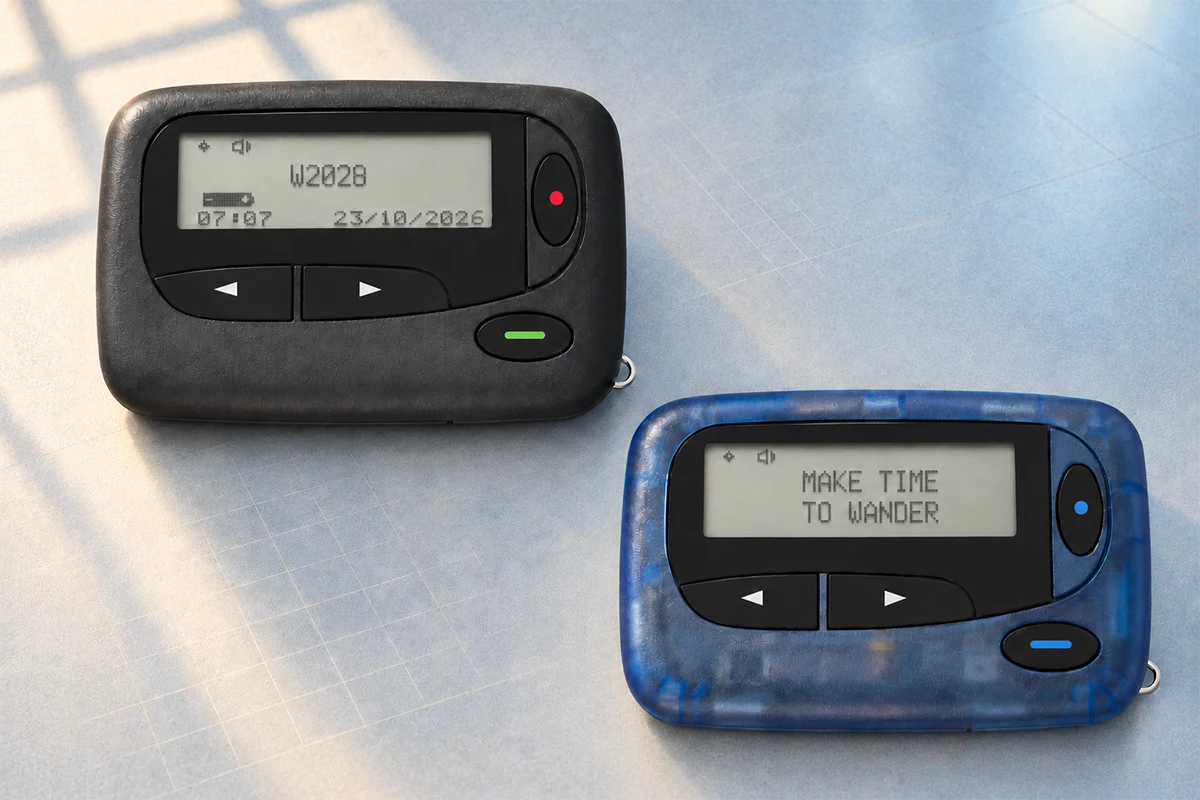
PagerDuty and a physical pager perform different jobs. PagerDuty routes incidents, applies on-call schedules and escalation policies, and records incident status. A POCSAG pager is an alert endpoint that receives a radio message from a compatible paging system. PagerDuty’s standard notification methods include push notifications, phone calls, SMS, email, and Slack; a physical pager requires a separate integration path.
A practical path may be PagerDuty incident → V3 webhook → middleware → paging gateway → transmitter → pager. This can add a final alert channel, but the full path still depends on configuration, connectivity, gateway availability, RF coverage, power, pager programming, and staff response.
Core Difference: Delivery vs. Orchestration
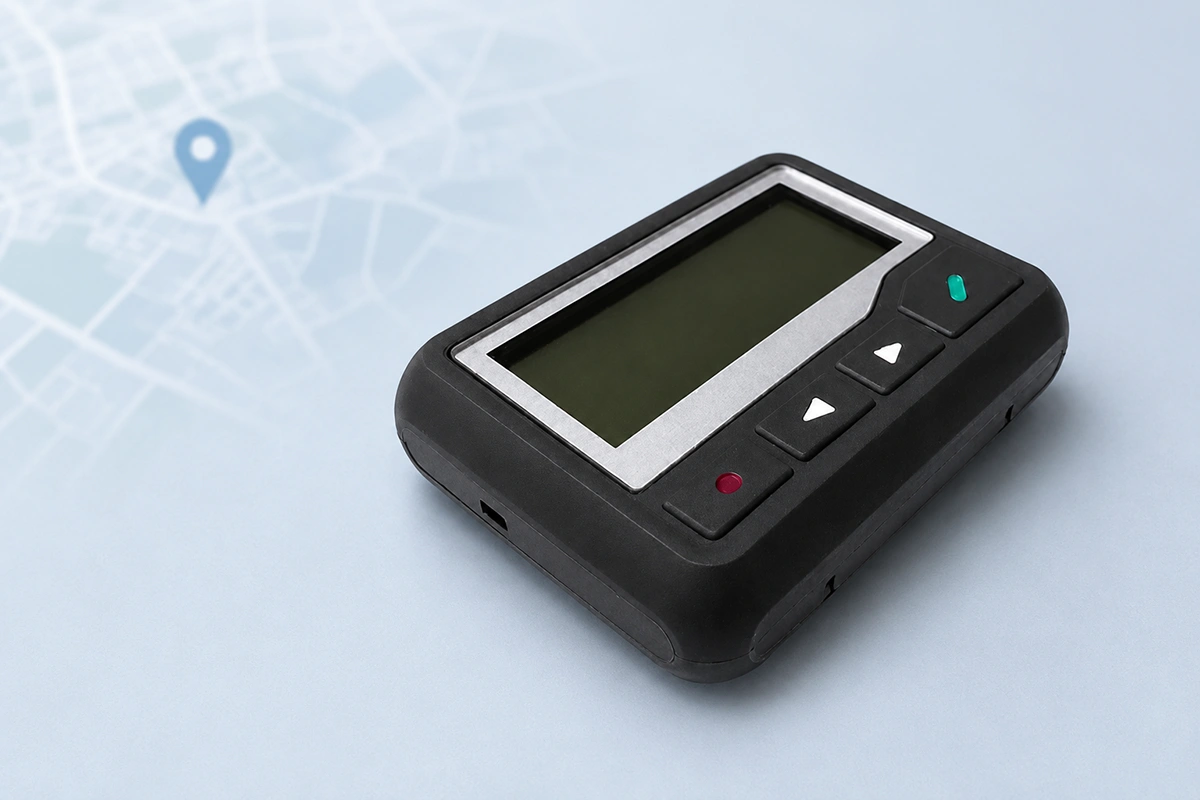
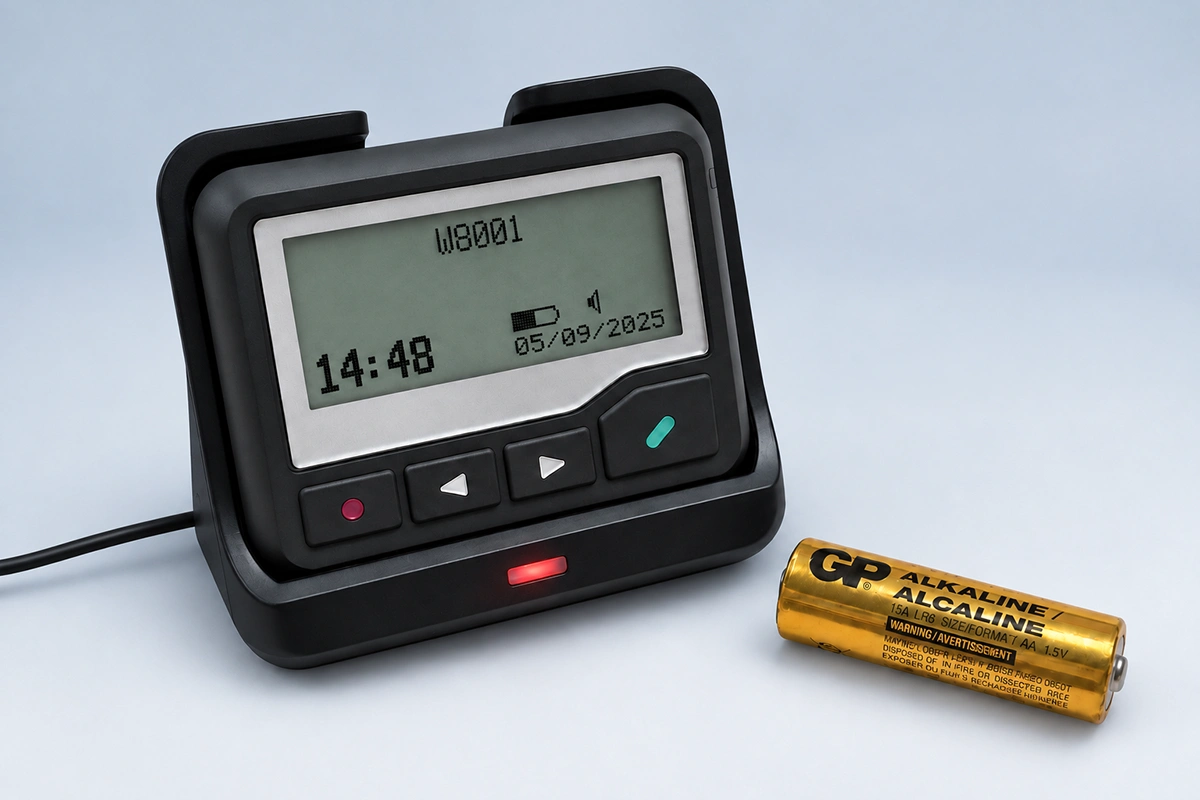
- Pagers support the delivery stage. A compatible transmitter sends a radio message to programmed receivers. A locally managed RF system may be less exposed to public cellular congestion and smartphone settings, but coverage, interference, equipment, and power still affect reception.
- Incident management platforms support orchestration. PagerDuty can determine who is on call, apply escalation rules, send notifications through configured contact methods, and record incident activity. It manages responsibility and process; it does not natively transmit a POCSAG radio message.
In short, software can manage who should respond and when to escalate, while a dedicated hardware channel may provide another way to attract attention. Neither component alone proves that a person saw the alert or completed the required action.
Three-Layer Alert Architecture and Implementation
A resilient alert workflow can separate responsibility into three layers:
- Incident management: PagerDuty, ServiceNow, or a custom system manages event intake, routing, schedules, escalation, and audit history.
- Native digital notification channels: Push, phone, SMS, email, or Slack notifies users through configured devices and services. Each channel has its own network, account, device, and configuration dependencies.
- Optional physical paging layer: Middleware and a compatible gateway pass selected alert data to a paging transmitter. The pager can diversify the final delivery stage, but reception and human response must still be tested.
What the Integration Actually Requires
PagerDuty does not list a physical POCSAG pager among its standard notification methods. However, PagerDuty V3 webhooks can send incident event data to a specified endpoint. A customer or integrator would need middleware that validates the webhook, selects the permitted message fields, and converts the event into an input format accepted by the paging controller or gateway.
A standard one-way pager cannot acknowledge a PagerDuty incident. Acknowledgment must occur through a supported PagerDuty channel, its web or mobile interface, an API-enabled workflow, or another approved response process. The integration should therefore distinguish message transmission, pager reception, incident acknowledgment, and final resolution.
Practical tip: Route only defined high-urgency incidents through the physical paging path. Test authentication, retries, duplicate events, message length, failure logging, gateway availability, RF coverage, and the separate response channel before deployment.
Typical Scenarios and Operational Examples
The following are illustrative workflows. Actual deployments depend on approved integrations, local policies, security requirements, coverage, and staff procedures.
- Hospital: An approved clinical or monitoring system creates an authorized event → the incident platform routes it according to the on-call schedule → if the incident remains unacknowledged, compatible middleware may send a short page → the clinician follows the defined response method → the status is recorded in the appropriate system.
- Data center: Monitoring detects a core-system failure → the platform assigns the on-call engineer → configured native channels send notifications → an optional paging endpoint may also alert designated on-site staff under the escalation policy.
- Emergency operations: An incident platform may support routing, accountability, and history, while an organization may use pagers or radios as additional field channels where its risk assessment and communications plan justify them.
Risks, Costs, and Common Objections
- “Maintenance costs are high.” A physical paging layer adds equipment, integration, testing, licensing, frequency, and support requirements. Its cost may be justified when a risk assessment shows a material benefit.
- “Push notifications are usually enough.” Native PagerDuty channels may be sufficient for many teams. A physical paging layer should address a specific, tested failure mode rather than being added by default.
- “A pager removes internet dependence.” The pager’s final RF reception may not require a smartphone or public cellular connection. If the alert originates in PagerDuty, however, the cloud platform, internet connection, webhook, middleware, and gateway remain part of the complete path.
Compliance Disclaimer
PagerDuty is a trademark of PagerDuty, Inc. WEX is not affiliated with, sponsored by, or endorsed by PagerDuty. Product features and integration options may change; confirm current requirements with the platform provider and the parties responsible for the paging system.
Frequently Asked Questions
Is PagerDuty a Pager?
No. PagerDuty is a digital incident management platform. In this context, “paging” generally means notifying and escalating to on-call responders, not transmitting a POCSAG radio signal to a physical pager.
Can PagerDuty Send an Alert to a Physical Pager?
Not as a standard notification method. A custom implementation may use a PagerDuty webhook, compatible middleware, and a paging gateway to pass selected incident data to a physical paging system.
Can PagerDuty Replace Physical Pagers?
It is not a like-for-like replacement. Many teams may meet their needs with native notification channels; others may use a physical pager for a documented requirement.
Are Pagers Outdated?
Their role has narrowed, but physical pagers continue to be used in some hospitals, industrial sites, emergency operations, and other environments where a simple dedicated receiver fits the communication plan.
Are Mobile Alerts Reliable Enough?
They may be when teams use multiple contact methods, suitable device settings, acknowledgment, and tested escalation. Add another channel only for identified failure modes.
Why Do Some Hospitals Still Use Pagers?
Some hospitals use them for short alerts, established workflows, local RF coverage, battery life, or reduced dependence on smartphone settings. Requirements vary by facility.
Do Small Organizations Need Pagers?
Not necessarily. Organizations should first assess incident severity, existing notification performance, acknowledgment requirements, coverage, staffing, integration effort, and lifecycle cost.
How Can PagerDuty and a Physical Pager Work Together?
PagerDuty can manage incident routing and escalation, while a compatible custom integration can make a physical pager an additional alert endpoint. A separate supported method is still required for acknowledgment and response.
Conclusion
PagerDuty can manage routing and escalation, while a physical pager may serve as an additional endpoint through a compatible integration. This is not guaranteed delivery: cloud services, connectivity, webhooks, middleware, paging equipment, RF coverage, power, programming, and human response all affect the result.
Start with incident risk and measured notification performance. Add physical paging only when evidence and project requirements justify it. Test the complete workflow, and measure acknowledgment and action rather than assuming that a transmitted alert was seen.
How to Choose a Professional POCSAG Pager System
Can a Paging System Be HIPAA Compliant? What Hospitals Must Confirm
Related Article