Communication vs Alerting: How Paging Supports Critical Alerts
Quick Answer
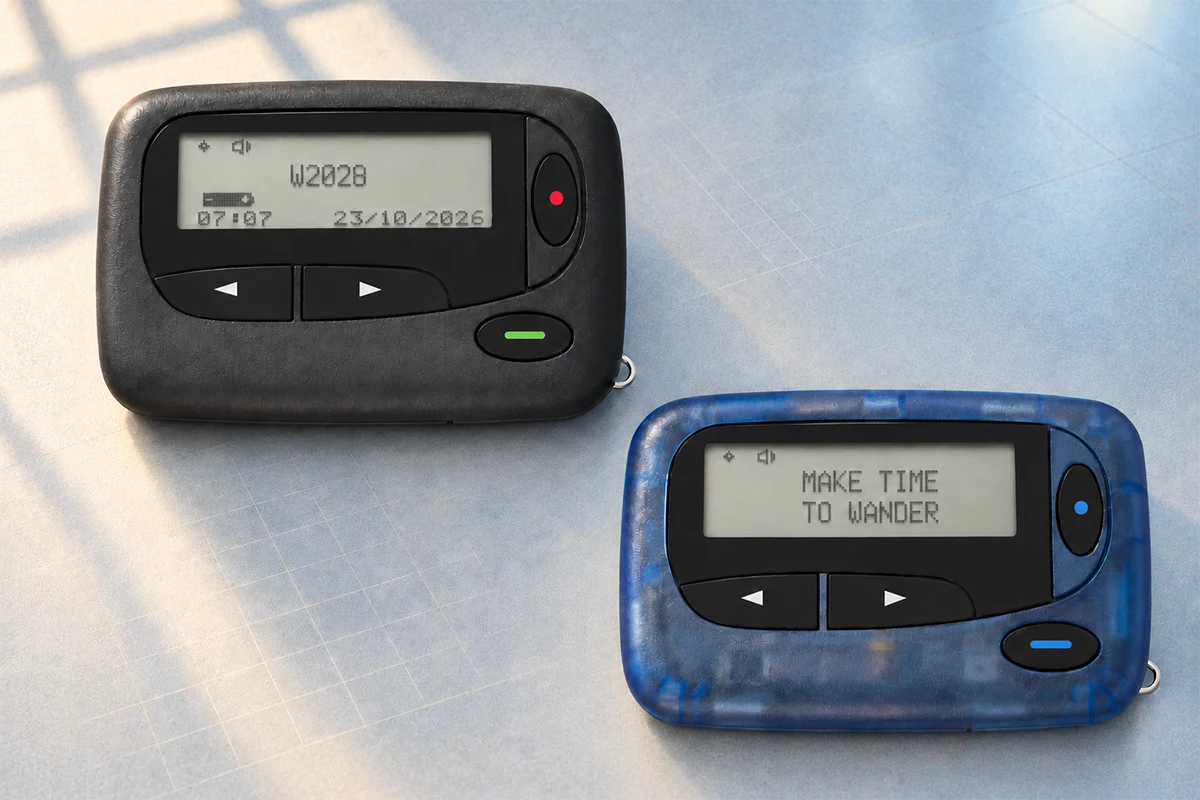
Communication helps people exchange information. Alerting has a narrower job: attract the attention of the right person or group and trigger a defined response. A paging system can support that alerting step by sending short messages through a planned RF path, but it does not by itself guarantee that a message was read, understood, or acted on.
The practical goal is therefore not to replace phones, radios, or operational software. It is to assign each channel a clear role and verify the complete path from alert source to staff response.
Communication and Alerting Solve Different Problems
A phone call, radio conversation, collaboration app, and pager alert may all be part of one incident workflow, but they do not perform the same function.
| Communication and Alerting Solve Different Problems | |||
|---|---|---|---|
| Channel role | Primary purpose | Typical tools | What must still be defined |
| Alerting | Get attention and communicate a short event, location, or action | Pager, alarm tone, siren, selected mobile notification | Recipient, priority, message format, escalation, and response action |
| Two-way coordination | Discuss status, confirm details, and coordinate work | Radio, telephone, PoC device, secure messaging platform | Available channel, talk group, permissions, and operating procedure |
| Detailed information | Provide records, instructions, images, or sensitive data | Authorized application, operational platform, or documented procedure | Access control, privacy, availability, and data-handling rules |
Confusing these roles creates weak workflows. A detailed mobile message may contain useful information but fail to attract attention quickly. A pager may attract attention immediately but cannot replace the conversation or application needed to manage the incident.
Why Critical Alerts Fail Even When Communication Tools Are Available
A device can be connected while an alert still fails operationally. The notification may be muted, buried among routine messages, sent to the wrong group, delayed by a dependency, or delivered without a clear next action. The user may also be working in a noisy area, wearing protective equipment, or moving between locations with different coverage conditions.
This is why alerting should be designed as a workflow rather than treated as one device feature. NIST research on public-safety communication usability notes that backup solutions should remain available when operations move toward all-in-one communication devices. FCC emergency-planning guidance likewise emphasizes redundancy, backup configurations, and tested backup plans for critical communications.
These principles do not prove that one technology is always more reliable than another. They support a more useful conclusion: organizations should understand dependencies, avoid a single untested path, and match each tool to a defined operational role.
Where a Paging System Fits in the Alert Path
A professional paging system is a chain, not a single pager. A simplified path looks like this:
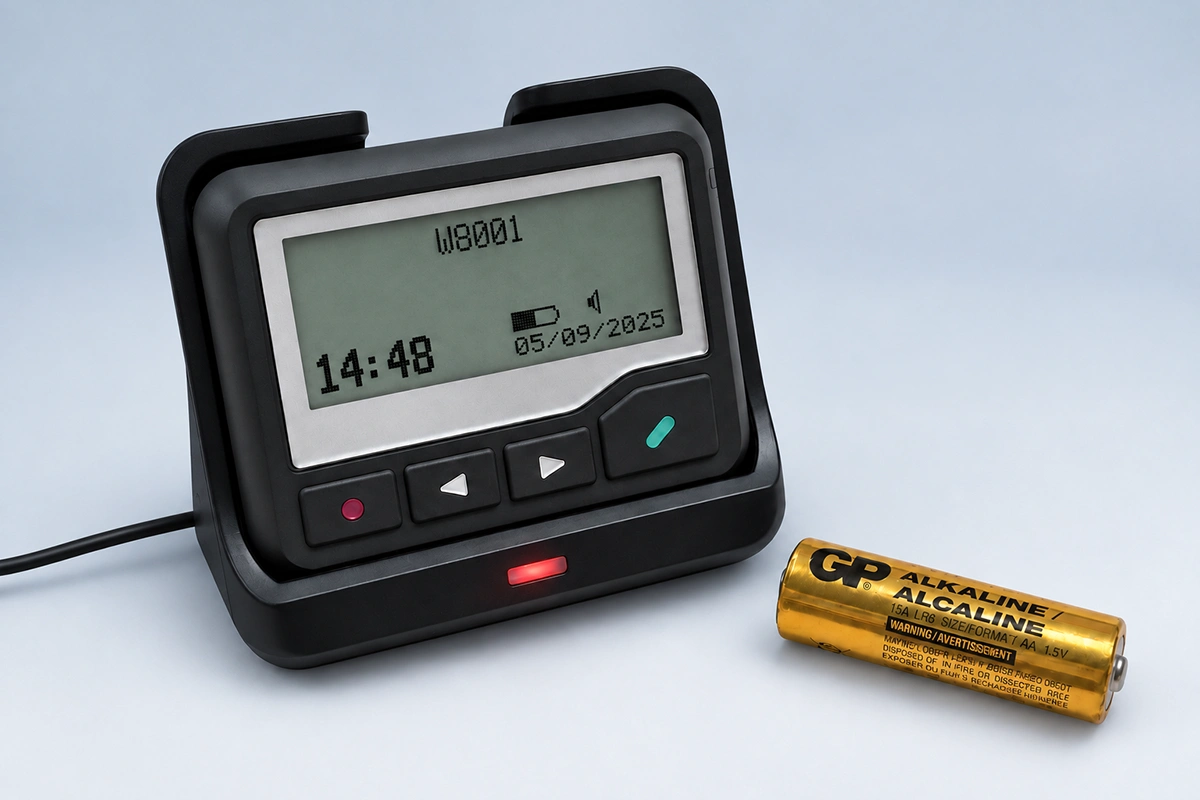
The message source may be an operator console, monitoring platform, nurse call interface, alarm controller, security desk, or approved software. The controller or gateway applies the correct recipient address and message format. The transmitter sends the RF signal through the antenna, and compatible pagers respond to their programmed frequency and capcode or RIC.
The final step is operational, not electronic. Staff need to know what the alert means and what to do next. For a fuller explanation of the technical chain, see how a paging transmitter works in a complete paging system.
What a POCSAG Paging System Can—and Cannot—Provide
What it can provide
- A recognizable, focused alert on a dedicated receiving device.
- Individual or group addressing through programmed capcodes or RICs.
- An RF delivery path that can be separate from Wi-Fi and public cellular service.
- Short numeric or alphanumeric messages for defined staff actions.
What it cannot provide automatically
- A guarantee that every message was received, read, understood, or acted on.
- A return acknowledgment from a standard one-way POCSAG pager.
- Unlimited range or reliable coverage without RF planning and site testing.
- Independence from every network or software dependency in the complete message path.
- Two-way coordination, detailed records, or secure handling of sensitive information by itself.
For example, an IP-connected transmitter may depend on a local network or server even though the final RF link to the pager does not use Wi-Fi or cellular service. A locally operated or serial-connected system may have different dependencies. Buyers should map the actual architecture rather than rely on a general statement such as “pagers work without a network.”
Paging can also be used as one part of an independent paging layer, but that independence exists only where the supporting message source, controller, power, and operating procedures have been separated or protected.
How to Design a Critical Alert Workflow
1. Define the event and recipient
Specify which events require a pager alert, who should receive each event, and whether the message goes to an individual, department, duty role, or response group. Avoid sending every alert to every user.
2. Write the required action into the message
A useful alert identifies the event, location, priority, and next action within the available message length. The recipient should not need to guess whether to call a number, report to a location, switch to a radio channel, or check an authorized system.
3. Verify every technical dependency
Confirm the message source, input interface, controller or encoder, authorized frequency, POCSAG baud rate, capcodes, transmitter power, antenna design, pager programming, and backup-power plan. Coverage should be measured in the actual rooms and outdoor areas where alerts must be received.
4. Define acknowledgment and escalation
Because standard one-way paging does not return an acknowledgment, the workflow should define another confirmation method when acknowledgment is required. This may be a radio call, telephone response, software action, arrival at a location, or escalation to another person after a set time.
5. Test the end-to-end path
Testing should begin where the alert is created and end with the staff response. Check normal operation and realistic failure scenarios, including local network loss, unavailable software, power interruption, a depleted pager battery, a damaged antenna cable, and poor reception in known difficult areas.
Where Focused Paging Alerts May Be Useful
Hospitals and healthcare facilities
A pager alert may notify an on-call role, response team, technician, or support department. The pager should carry only the information allowed by the organization’s workflow and privacy rules, followed by an approved method for detailed coordination.
Factories and industrial sites
Monitoring equipment can trigger a short alert for a maintenance or safety role. The pager attracts attention; the technician then follows the defined procedure, checks the control system, or moves to a voice channel for coordination.
Security and facility operations
Dispatch, building alarms, access-control events, or equipment faults may be routed to the appropriate duty group. The value comes from targeted delivery and a recognizable alert—not from trying to place the entire incident-management process on the pager.
WEX Manufacturer’s Note: Evaluate the System, Not Only the Pager
The most common specification mistake is to begin with pager quantity or transmitter wattage before defining the alert workflow. From a manufacturer’s perspective, the useful starting information is the application, country, message source, input interface, required coverage, operating frequency, pager quantity, capcode plan, message format, and acknowledgment requirement.
These details determine whether the proposed devices can work together and whether the complete system supports the intended response. Hardware selection should follow the workflow and system architecture.
Conclusion
Communication and alerting are related, but they are not interchangeable. Phones, radios, and operational platforms support conversation and detailed coordination. A paging system can add a focused alerting path that directs attention to a short, predefined message.
Its value depends on the complete chain: message source, controller, transmitter, antenna, pager settings, coverage, power, and staff procedures. The right question is not whether one device can replace every other tool. It is whether the organization has assigned clear channel roles and tested the entire alert-and-response workflow.
Frequently Asked Questions
What is the difference between communication and alerting?
Communication supports information exchange and coordination. Alerting is designed to attract attention and trigger a defined action. One incident workflow may use paging for the alert and radio, telephone, or software for the response.
Does a paging system guarantee message delivery?
No system should be described as guaranteeing delivery under every condition. Paging performance depends on the message source, controller, transmitter, antenna, power, coverage, pager programming, device condition, and user procedure.
Can a one-way POCSAG pager confirm that an alert was received?
A standard one-way POCSAG pager does not transmit an acknowledgment. If confirmation is required, the workflow needs a separate return channel or another two-way device or application.
Does a paging system work without internet access?
The RF link from a local paging transmitter to compatible pagers does not require the public internet. However, the message source, software, controller, or IP-connected transmitter may still depend on a local network or internet service. The complete architecture must be checked.
Can pagers replace radios or smartphones?
Usually not. Pagers are useful for focused alerts, while radios and smartphones support two-way discussion, richer information, and acknowledgment. A layered workflow assigns each device a specific role.
What information is needed before selecting a paging system?
Document the application, country, alert source, input interface, required coverage, frequency, baud rate, capcode plan, pager quantity, message type, backup-power needs, and acknowledgment workflow before selecting equipment.
Push to Talk Over Cellular: How Rugged PTT Phones Work
Alphanumeric Pager Messages for Critical Alerts: Format, Examples, and Testing
Related Article