How Hospital Paging Systems Support Emergency Communication During IT Downtime
Quick Answer
A hospital paging system can provide a separate RF alerting path during network or IT downtime, provided its controller, transmitter, antenna, power supply, and message input remain available and are regularly tested.
Hospitals depend on electronic health records, telephones, Wi-Fi, mobile applications, nurse call platforms, and other connected systems. When a cyberattack, network outage, software failure, or power incident affects this infrastructure, staff may lose several communication tools at the same time.
Paging can add a focused staff-alert channel to a wider downtime plan. It does not replace clinical systems, two-way communication, or documented emergency procedures. Its value is the ability to deliver short alerts to specific people or groups through a defined radio path—if that path has been designed, powered, and tested for the failure being considered.
Why Hospitals Need Backup Communication During IT Downtime
IT downtime can affect much more than the electronic health record. It may interrupt message routing, directory access, internal telephone functions, electronic orders, staff applications, and access to information used in everyday workflows. The Mass General Hospital downtime toolkit notes that when IT services fail, hospital efficiency declines, communication becomes more difficult, and established safety systems may become unavailable.
The practical question is therefore not simply, “Do we have a backup device?” Hospitals need to know which message sources, networks, power supplies, directories, and staff procedures remain available under different outage conditions.
Modern hospital communication systems often combine several channels. A hospital may use pagers for targeted alerts, overhead speakers for area-wide announcements, radios or telephones for two-way coordination, and authorized clinical systems for detailed patient information. During downtime, each channel must be evaluated according to its actual dependencies.
The U.S. Department of Health and Human Services downtime checklist recommends identifying alternative mechanisms for routine internal and external communication. HHS ASPR TRACIE also advises that backup communication systems should be established using sound practices and tested regularly.
How a Hospital Paging System Works During Downtime
The Complete Paging Path
A hospital paging system is a chain of components rather than a single pager or transmitter:
Message source → Controller or encoder → Paging transmitter → Antenna system → Staff pagers
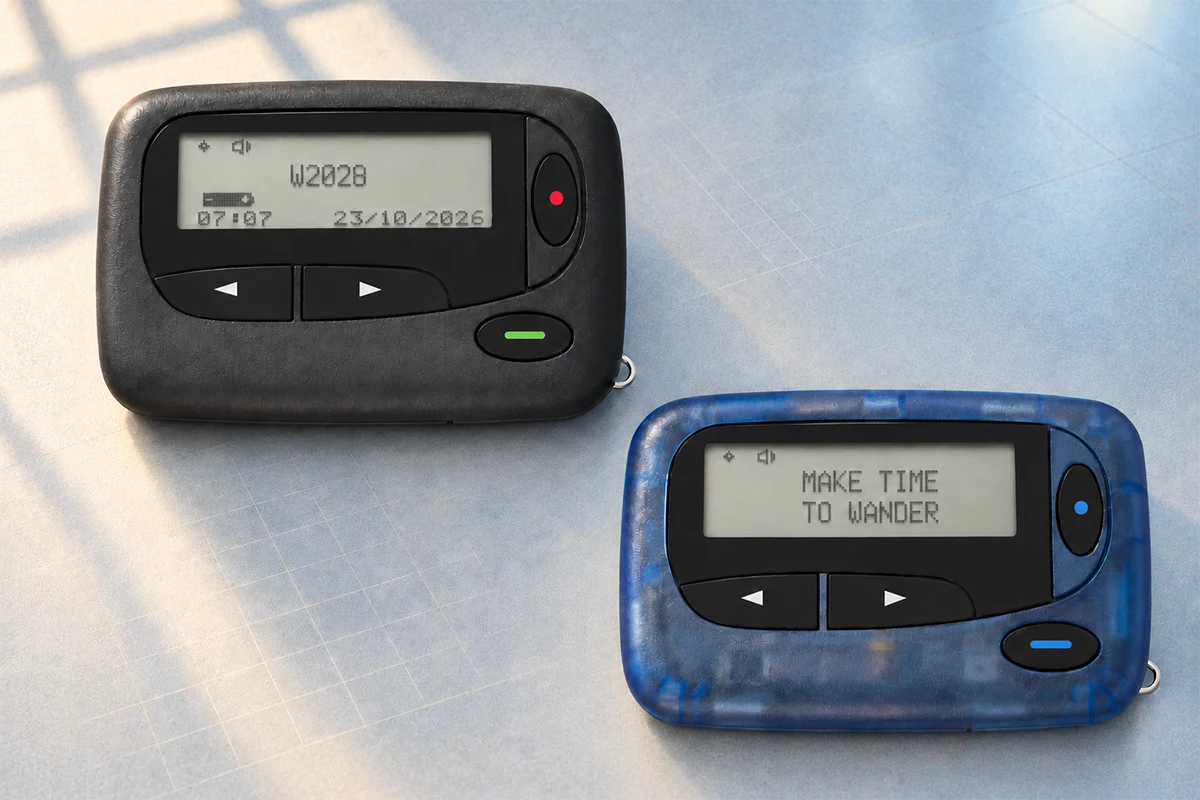
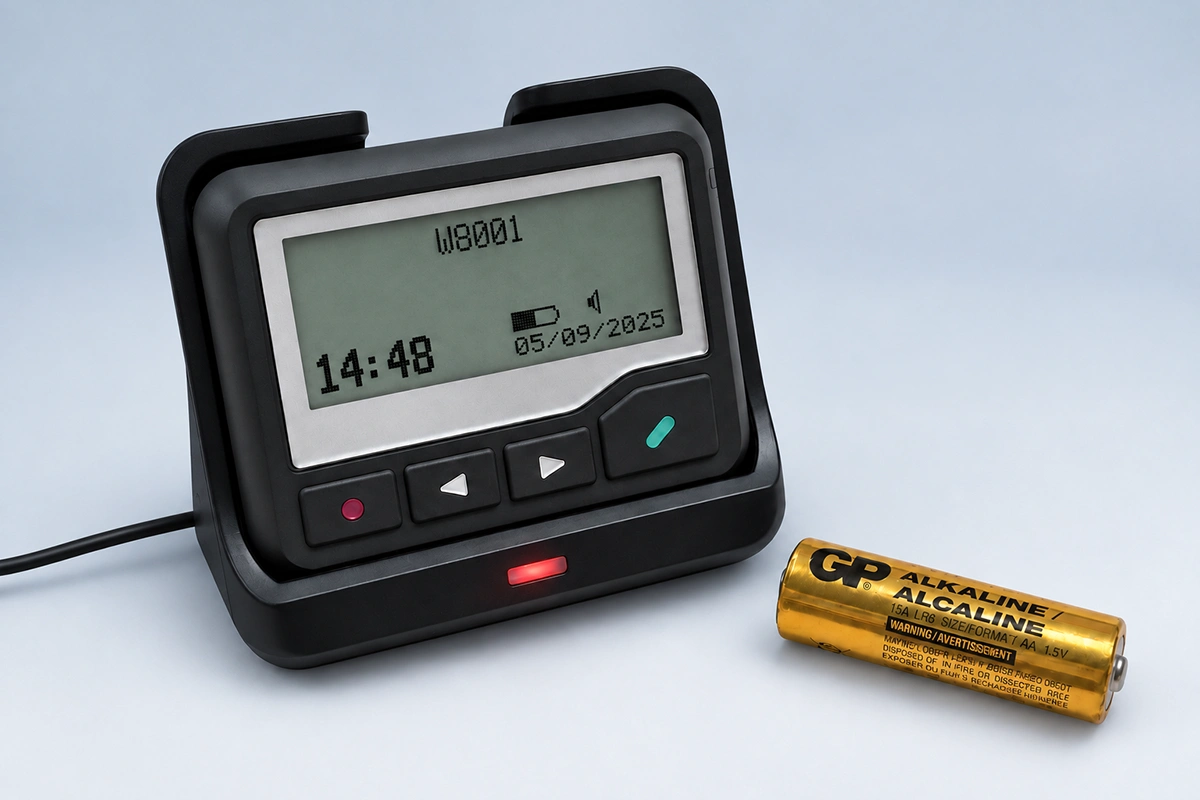
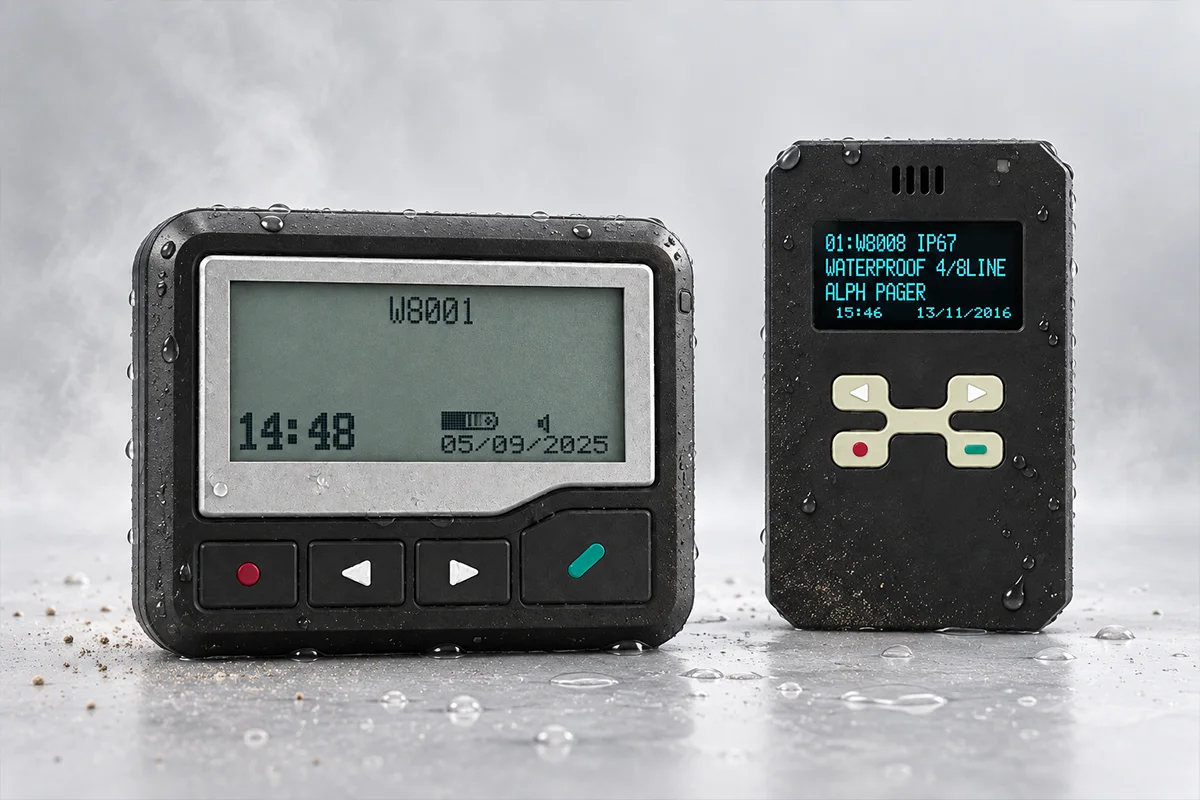
The message may begin at an operator console, approved software, alarm interface, nurse call integration, or another authorized source. A controller or encoder converts the request into the required paging format and applies the correct capcode or group address. The message then passes to a POCSAG paging transmitter, which sends the RF signal through an antenna system. Compatible POCSAG alphanumeric pagers receive alerts programmed for their frequency and capcodes.
Every part of this path matters. A working transmitter cannot send an alert if the message source or encoder is unavailable. A functioning pager cannot receive a usable alert if the antenna system has inadequate coverage or if its frequency and capcode settings do not match the system.
What “Independent Communication” Actually Means
Paging is sometimes described as independent of the hospital network. That may be true for the radio delivery segment, but it should never be assumed for the complete workflow.
A dedicated RF transmitter and antenna can operate separately from Wi-Fi and public cellular service. However, the software that creates the message may run on a hospital server. The controller may be connected to the local network. The transmitter, antenna amplifier, or operator workstation may share a power source with other systems. Staff directories and on-call schedules may also be stored in applications that become unavailable during a cyber incident.
Hospitals should map the complete path from the person or system creating the alert to the pager receiving it. Independence exists only where the dependencies have actually been separated or protected.
What Paging Can—and Cannot—Bypass
Failures Paging May Bypass
A properly configured paging system may continue to deliver short staff alerts when:
- Public cellular service is unavailable or congested.
- Hospital Wi-Fi is disrupted.
- Internet access is unavailable but the local paging path remains operational.
- A smartphone application or cloud messaging platform is inaccessible.
- Staff need a simple one-way alert while other communication tools are being restored.
The exact result depends on system architecture. For example, an IP-connected transmitter may still depend on a functioning local network, while a serial-connected or locally operated configuration may have different dependencies.
Failures Paging Cannot Automatically Bypass
Paging is not automatically protected from:
- Loss of power to the controller, transmitter, antenna equipment, or message console.
- Failure of a server or software application used to generate messages.
- Loss of an interface connected to nurse call, alarms, or other source systems.
- Damage to antenna cables or RF equipment.
- Incorrect frequency, baud rate, capcode, or pager programming.
- Poor RF coverage in basements, stairwells, shielded rooms, or newly modified areas.
- Unavailable staff procedures, contact lists, or escalation rules.
For this reason, the statement “pagers still work during an outage” is too broad. The correct statement is that a defined paging path may remain available when the components supporting that path remain operational.
Hospital Paging System Dependencies During Downtime
The following review helps hospitals identify the main dependencies before treating paging as part of an emergency communication plan.
| Hospital Paging System Dependencies During Downtime | |||
|---|---|---|---|
| Component | Role | Main Dependency | What to Verify |
| Message source | Creates the alert | Software, operator console, alarm input, or manual process | Can staff create and address a message without the affected IT system? |
| Controller or encoder | Routes and formats the message | Server, local network, serial/IP interface, configuration database | Is there a protected local or manual operating method? |
| Paging transmitter | Sends the RF signal | Power, input connection, frequency authorization, RF configuration | Does it have backup power and a tested input path? |
| Antenna system | Distributes the signal | Antenna location, cable condition, amplifiers, building structure | Has coverage been measured in critical areas? |
| Staff pagers | Receive the alert | Battery, frequency, capcode, baud rate, assignment records | Are devices charged, programmed, assigned, and tested? |
Mapping these dependencies is consistent with broader hospital downtime planning. The Mass General toolkit recommends identifying both the technical and operational interdependencies of IT systems so that appropriate contingency procedures can be developed.
Where Emergency Paging Is Most Useful in Hospitals
Paging is most useful when a hospital needs to attract the attention of a specific person, role, or response group with a short operational alert. Examples may include:
- Calling an on-call clinician or specialist.
- Alerting a code, rapid-response, security, facilities, or incident-command group.
- Sending a room, department, callback number, or brief action instruction.
- Notifying selected staff that downtime procedures have started or changed.
- Directing recipients to move to a predetermined voice channel or command location.
- Providing a redundant alert when a smartphone application or cellular service is unavailable.
Standard one-way paging does not provide a conversation or guaranteed acknowledgment. A hospital should therefore define what the recipient must do after receiving an alert: call a number, report to a location, switch to a radio channel, or follow a written downtime procedure.
Overhead paging serves a different purpose. It is better suited to broad announcements heard within a zone or throughout a facility. A staff pager system is designed for targeted recipients. Hospitals may use both, but they should not treat the two terms as interchangeable.
How to Prepare a Paging System for Hospital Downtime
Define Alert Types and Recipient Groups
Create a limited list of downtime alerts and decide which roles receive each one. Use clear language, standardized abbreviations, and defined escalation rules. Avoid sending every message to every pager, because excessive alerts make it harder for staff to identify urgent events.
Confirm Frequency, Capcodes and Coverage
Verify the authorized operating frequency, POCSAG baud rate, capcodes, pager assignments, transmitter power, antenna design, and actual coverage. Survey critical areas such as emergency departments, intensive care units, operating areas, laboratories, pharmacies, basements, stairwells, plant rooms, and outdoor transfer points.
Building materials and antenna placement can affect hospital pager range more than a simple transmitter-power figure suggests. Coverage should be measured at the site rather than estimated only from product specifications.
Provide Backup Power and Message Input
Identify how the controller, transmitter, antenna equipment, and message console will receive power during an outage. If the normal software or network is unavailable, define an approved alternate way to create messages. Store the necessary instructions, contacts, and operating details where authorized staff can access them offline.
The objective is not only to keep the transmitter powered. It is to preserve a usable end-to-end message path.
Test the Complete Workflow
Test from message creation to pager reception, not only the transmitter. Exercises should confirm:
- Who is authorized to send downtime alerts.
- How messages are entered when normal applications are unavailable.
- Whether individual and group capcodes work correctly.
- Whether critical areas receive a reliable signal.
- What recipients do after an alert.
- How failed delivery, a dead pager, or a missing staff member is escalated.
The American Hospital Association recommends planning for sustained downtime, regularly testing procedures, and reinforcing backup and communication capabilities. Tests should therefore reflect realistic outage scenarios rather than a single routine pager check.
Security and Privacy Considerations
A pager is not automatically secure or compliant with healthcare privacy requirements. Standard POCSAG radio messages may be received by compatible equipment within range unless additional protections exist. One-way paging also does not normally confirm who viewed the message.
Hospitals should apply their own risk assessment, privacy policy, and legal requirements. Practical controls may include:
- Sending the minimum information required for the recipient to act.
- Avoiding unnecessary patient names, diagnoses, or other sensitive details.
- Using approved event codes, room numbers, callback numbers, or brief instructions.
- Restricting access to message-entry systems.
- Maintaining pager assignment and return records.
- Defining how staff move from the pager alert to an authorized channel for detailed information.
A pager should be treated as one part of a controlled communication workflow, not as a complete privacy solution. See WEX’s guide to HIPAA-compliant paging systems for a more detailed discussion of message content and system design.
What to Confirm Before Selecting a Hospital Paging System
Before selecting or upgrading a system, document:
- Whether the project is a new installation, expansion, or replacement.
- Which outage scenarios the paging path is expected to support.
- The message source and required input interface.
- The exact authorized VHF or UHF frequency.
- The POCSAG baud rate and capcode plan.
- Required individual, role-based, and group alerts.
- Coverage areas, building structure, and difficult RF locations.
- Backup-power duration for each active component.
- Pager quantity, battery or charging process, and device-assignment method.
- Integration requirements and the boundaries between trusted and untrusted systems.
- Testing, maintenance, training, and escalation responsibilities.
These details determine whether a transmitter, antenna, controller, and pager fleet will work together. Product selection should follow the system design, not precede it. For a project-specific compatibility review, contact WEX with the planned frequency, coverage area, message source, pager quantity, and existing equipment information.
Conclusion
A hospital paging system can strengthen emergency communication during cyber incidents and IT downtime by providing a focused RF alerting path to designated staff. Its reliability, however, depends on the entire chain: message source, controller, transmitter, antenna, power, pager programming, coverage, and staff response procedures.
The most useful planning question is not whether pagers are old or new. It is whether the hospital has a clearly defined, protected, and regularly tested alert path for the failure scenarios it expects to face.
Frequently Asked Questions
Can a hospital paging system work without the internet?
Yes, some local paging systems can transmit messages without internet access. However, the complete workflow may still depend on a local network, server, software application, or cloud-connected message source. The system architecture must be checked from message entry through RF transmission.
Is a hospital pager network independent from Wi-Fi and cellular systems?
The RF link between a dedicated paging transmitter and compatible pagers can be independent of Wi-Fi and cellular service. The controller, message software, directory, or integration source may still share hospital IT infrastructure, so independence should be verified rather than assumed.
What determines hospital pager range inside a building?
Range depends on authorized frequency, transmitter power, antenna type and location, cable loss, building materials, interference, pager sensitivity, and the required signal level in critical areas. A site survey and coverage test provide more reliable answers than a distance estimate alone.
Are POCSAG paging messages encrypted or HIPAA compliant?
Standard POCSAG transmission is not automatically encrypted, and no device is inherently HIPAA compliant by itself. Compliance depends on the complete system, message content, access controls, policies, risk assessment, and how staff move to authorized channels for detailed information.
How a Paging Transmitter Works in a Complete Paging System
Why Critical Alert Paging Needs an Independent Communication Layer
Related Article