Can a Paging System Be HIPAA Compliant? What Hospitals Must Confirm
Quick Answer
A pager is not HIPAA compliant by itself. A hospital paging system can support a HIPAA-compliant communication workflow when the organization controls message content, user access, device handling, routing, safeguards, and staff procedures. Hospitals should evaluate the complete path—from alert source and software to transmitter and pager—and should not assume that short messages, encryption, or dedicated hardware alone make the system compliant.
Introduction
Hospitals use pagers, secure messaging apps, nurse call systems, smartphones, monitoring platforms, and electronic health records for different tasks. The challenge is delivering urgent alerts quickly while protecting protected health information (PHI) and maintaining a reliable response workflow.
This is why searches for a HIPAA-compliant paging system cannot be answered by naming one pager or one software platform. HIPAA compliance depends on how a regulated organization assesses risk, establishes policies, controls access, trains staff, and protects electronic PHI (ePHI). A paging system can support that work, but the device is only one part of the architecture.
This article explains what hospital IT teams, buyers, and system integrators should confirm when evaluating pager hardware, software, gateways, transmitters, and procedures. It provides general technical guidance, not legal advice.
What Makes a Paging Workflow HIPAA Compliant?
The HIPAA Security Rule requires regulated entities to use reasonable and appropriate administrative, physical, and technical safeguards to protect ePHI. It is technology-neutral: it does not automatically approve or reject pagers, smartphones, or a particular communication platform.
For a paging workflow, the hospital should evaluate what enters the system, who can create and receive alerts, how messages are routed or stored, and what happens if a device is lost. Policies and staff behavior matter as much as hardware.
Calling a device a “secure pager” is not enough. Its complete use must fit the hospital’s risk analysis, policies, controls, and clinical workflow.
Minimum-Necessary Message Content and PHI
Where the HIPAA minimum-necessary standard applies, organizations must make reasonable efforts to limit PHI to the amount needed for the intended purpose. Hospitals should define message templates and escalation rules instead of allowing unrestricted patient details to be entered into every alert.
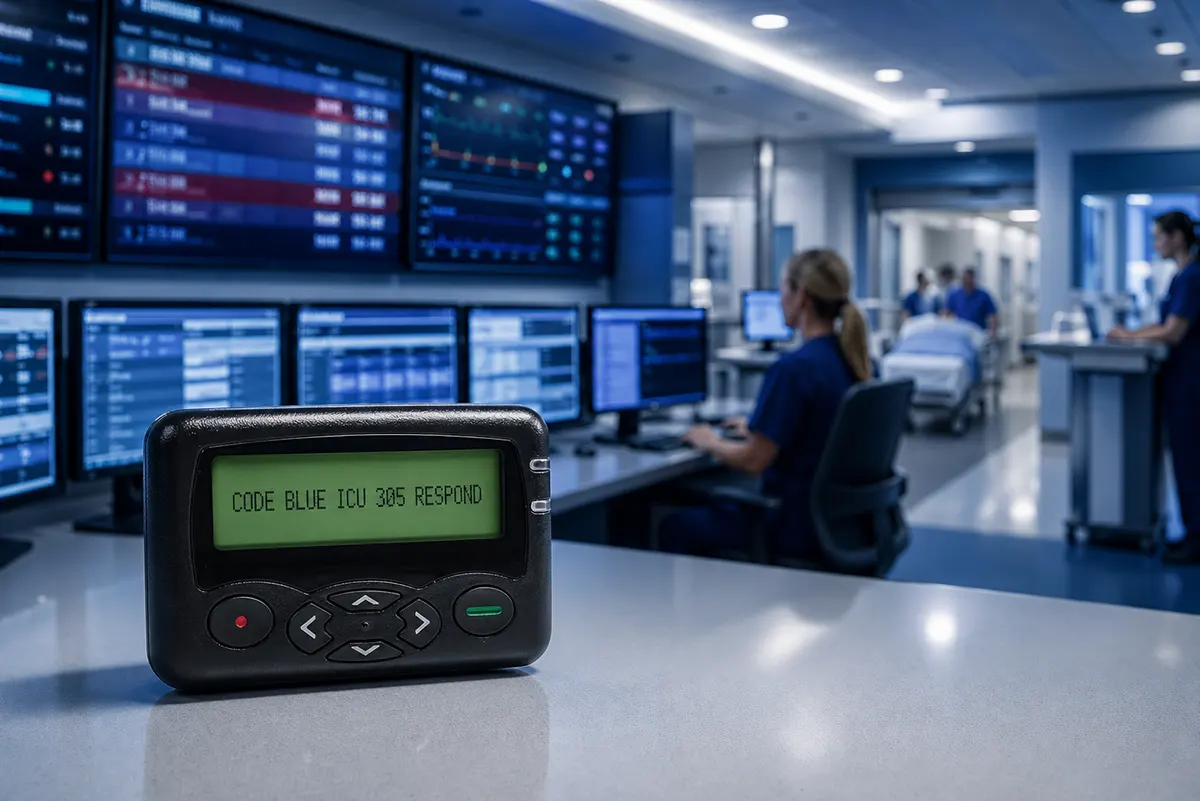
An operational pager message might show:
CODE BLUE / ICU ROOM 305 / RESPOND NOW
or:
LAB ALERT / ER DESK / CALL SUPERVISOR
Short messages can reduce unnecessary disclosure, but “short” does not mean “compliant.” A room number, condition, name, or contextual detail may still be sensitive. Hospitals must define appropriate content and recipients for each alert type and move additional details to a controlled system.
Pager Hardware vs HIPAA-Compliant Paging Software
A hospital paging solution combines several components. The table separates their responsibilities so buyers do not expect the pager to provide software, gateway, or policy functions.
| Component | Main Role | HIPAA-Related Questions |
|---|---|---|
| Alert source | Creates the event or message | What PHI enters the alert, and is it necessary? |
| Software or platform | Controls users, routing, records, and integrations | Are access, audit, retention, and safeguards appropriate? |
| Gateway or controller | Converts and routes messages | How is data protected while processed or transmitted? |
| Paging transmitter | Broadcasts the configured RF message | Are frequency, coverage, interfaces, and physical access controlled? |
| Pager hardware | Receives and displays the alert | Can messages be viewed after receipt, and what happens if the pager is lost? |
| Hospital workflow | Defines policy, recipients, escalation, and device handling | Who is authorized and responsible? |
Hardware and software must be assessed together. A platform may provide authentication, logs, routing, or encryption while a standard pager only receives the alert. Buyers should determine whether a provider handles ePHI and whether a business associate agreement is required.
Does a Hospital Pager Need Encryption?
Under the current HIPAA Security Rule, encryption is an addressable implementation specification. A regulated entity must evaluate whether it is a reasonable and appropriate safeguard for its risks and document its implementation decision.
HHS has proposed removing the required/addressable distinction and generally requiring encryption of ePHI at rest and in transit, with limited exceptions. That proposal is not yet the current rule, so hospitals should monitor the rulemaking and review implementation plans with qualified compliance counsel.
Standard one-way POCSAG should not be assumed to provide end-to-end encryption. Projects requiring encrypted transmission, authentication, acknowledgment, or complete audit trails may need additional software, gateway functions, or another endpoint.
Limiting pager content can reduce exposure, but it does not replace a risk analysis of the information, transmission path, physical environment, and alternative safeguards.
Secure Paging Is a Workflow, Not Just a Device
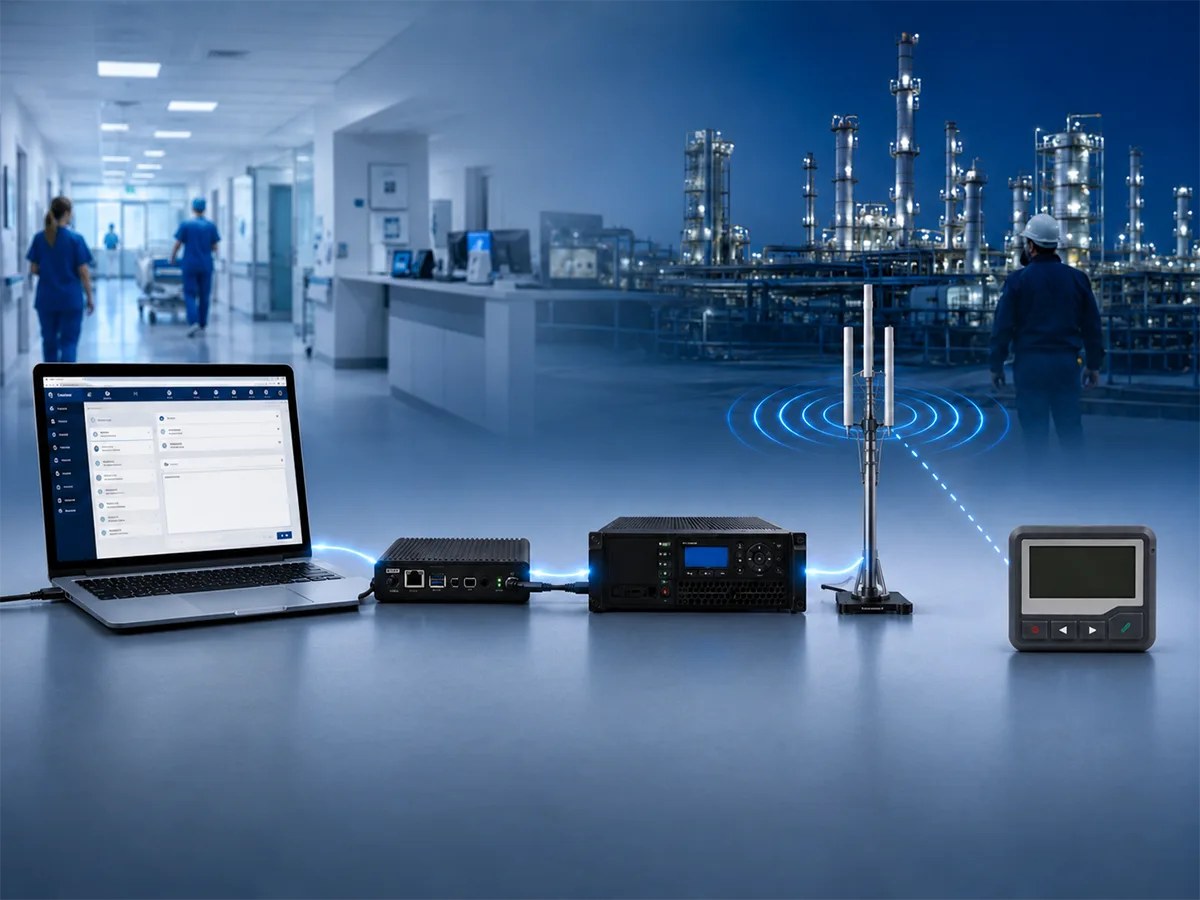
A hospital alert may travel through the following path:
Nurse call, monitoring system, or dispatch software → gateway/controller → paging transmitter → antenna → pager
Software determines the message and recipient, the gateway routes it, and the paging transmitter broadcasts it. The pager responds when its frequency, protocol, baud rate, and capcode/RIC match.
Hospitals should assess the complete paging system. Coverage, antenna placement, sender permissions, group addressing, message templates, lost-device procedures, and downtime escalation all affect the workflow.
Where Paging Fits in Hospital Communication
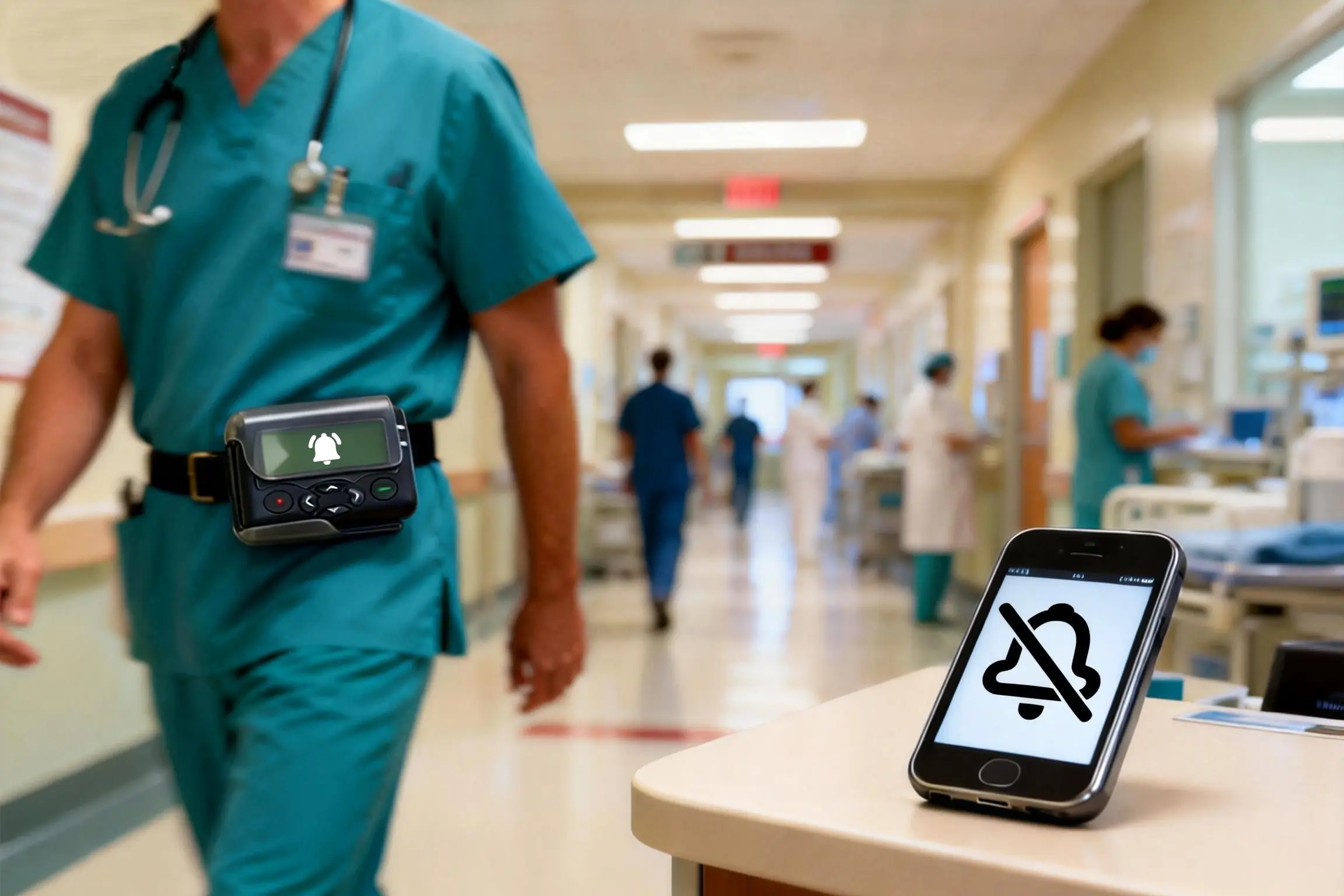
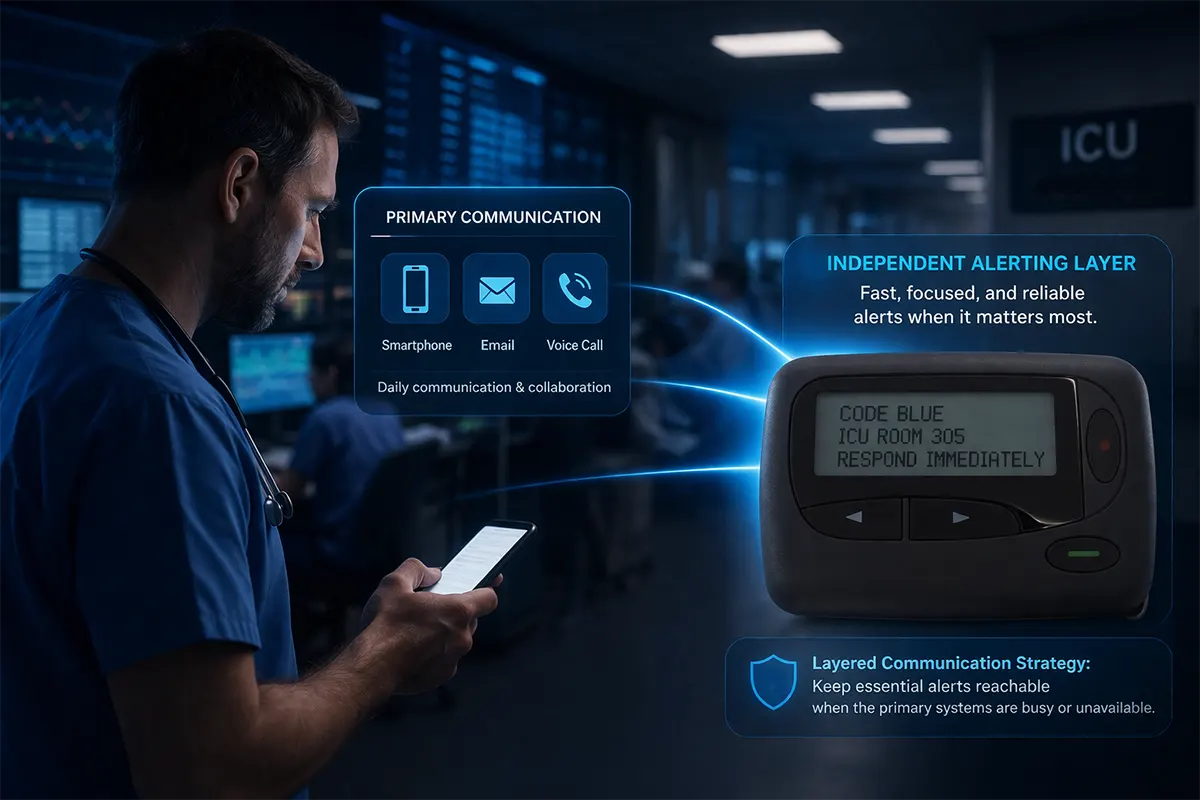
Paging does not need to replace secure messaging platforms, nurse call systems, smartphones, or electronic health records. It can provide a dedicated alerting layer for messages that must be immediate, targeted, and difficult to miss.
For example, a pager may deliver the initial alert while a secure platform provides details, acknowledgment, updates, and documentation. A separate RF hospital paging system may also support downtime planning when an application or network is unavailable.
The design depends on whether the workflow needs one-way alerting, discussion, acknowledgment, logs, documentation, or integration.
What Hospitals Should Confirm Before Deployment
The checklist helps teams define the project before choosing pager hardware or a paging platform.
| Item | What to Confirm |
|---|---|
| Message content | Which alert fields are allowed, restricted, or prohibited? |
| Authorized users | Who can create alerts and which staff groups can receive them? |
| Software controls | Are access, audit, retention, and integration appropriate? |
| Encryption and safeguards | What does the risk analysis require for data at rest and in transit? |
| Logs and acknowledgment | Is one-way delivery sufficient, or must staff confirm receipt? |
| Pager programming | Do frequency, baud rate, capcode/RIC, and message format match? |
| Coverage | Has the system been tested in ICUs, basements, stairwells, and other difficult areas? |
| Device procedures | How are pagers assigned, reported lost, replaced, and reprogrammed? |
| Downtime workflow | What happens if the primary application, network, or paging component fails? |
| Vendor responsibilities | Which vendors handle ePHI, and are contracts or BAAs required? |
The checklist connects compliance with system planning. A deployment must protect information and deliver alerts reliably for the intended response.
How WEX Supports Hospital Paging Hardware Projects
WEX provides alphanumeric pagers and related hardware. Support can include model selection, POCSAG configuration, frequency and baud rate confirmation, capcode/RIC planning, group addresses, accessories, OEM branding, and batch production.
WEX does not determine whether a hospital workflow is HIPAA compliant. That assessment belongs to the regulated organization. Projects requiring integration, encryption, audit logs, acknowledgment, or platform access controls should be reviewed with the relevant software provider, gateway provider, and system integrator.
Frequently Asked Questions
Can a pager be HIPAA compliant by itself?
No. Compliance depends on policies, risk analysis, access controls, safeguards, staff training, message content, and device handling. Pager hardware can support the workflow but cannot make it compliant.
Can hospitals send PHI to a pager?
Hospitals must determine whether message content, recipients, safeguards, and purpose meet applicable requirements and policies. Operational alerts should avoid unnecessary details and move sensitive follow-up information to a controlled channel.
Are POCSAG pager messages encrypted?
Standard one-way POCSAG should not be assumed to provide end-to-end encryption. Stronger protection requires a risk-based design and may require additional technology.
Is a pager more secure than a smartphone?
Neither is automatically more secure. A pager reduces exposure to unrelated apps, cameras, and personal accounts, while a managed smartphone platform may provide authentication, encryption, remote management, and richer auditing.
Can a one-way pager provide acknowledgment or audit logs?
A standard one-way pager cannot transmit a receipt or acknowledgment. Sending logs do not prove that the recipient read or acted on the alert. Confirmation requires another return channel or endpoint.
What should buyers ask a HIPAA paging software provider?
Buyers should ask about access, authentication, encryption, retention, audit logs, integration, acknowledgment, downtime, vendor access to ePHI, and business associate responsibilities. Evaluate these separately from pager frequency and hardware compatibility.
Conclusion
A HIPAA-compliant paging system is not a single device. It is a controlled workflow built around risk analysis, appropriate safeguards, limited content, authorized recipients, reliable hardware, and documented procedures.
Paging can remain useful for urgent alerts and downtime communication. Hospitals should decide what belongs on the pager, what belongs in a secure platform, and which functions require a two-way or managed channel. This protects information without losing paging’s speed and focus.
PagerDuty and Physical Pagers: What an Integration Requires
What Is a Modern Pager? Features, Hospital Workflow & System Fit
Related Article