Hospital Paging System Upgrade: 8 Tests Before Replacing or Expanding Pagers
Quick Answer
A hospital paging system should be evaluated around alert workflow, not simply around whether pagers are old or mobile messaging is newer. Before replacing or expanding pagers, hospitals should define which events require immediate attention, who must receive them, where coverage is required, what information a message must contain, and how unanswered alerts will be escalated. The final design may combine individual pagers, mobile messaging, telephone calls, and overhead announcements rather than expecting one channel to handle every situation.
What Is a Hospital Paging System?
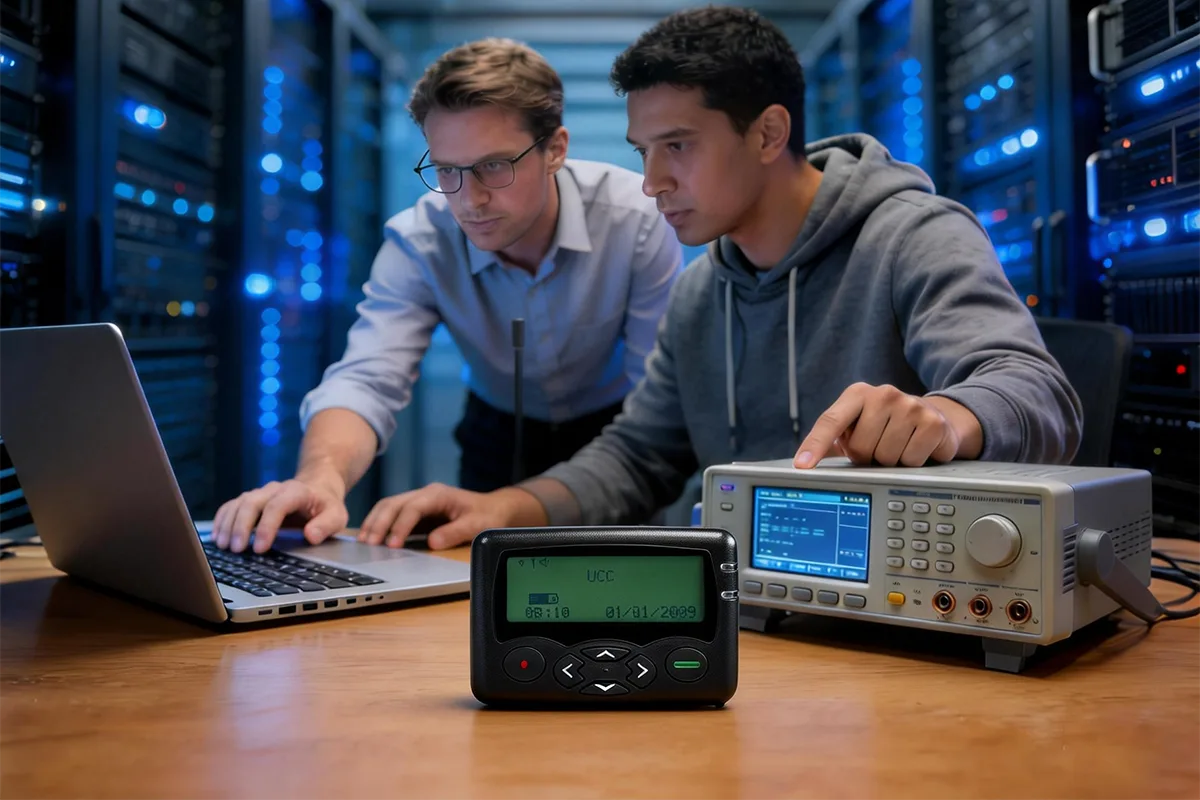
A hospital paging system moves a short alert from a nurse call platform, monitoring system, dispatch desk, facility alarm, or operator to the correct person or group. The delivery path may include software, a gateway or controller, a paging transmitter, an antenna, and numeric or alphanumeric pagers.
A 2023 peer-reviewed study on pager use in New Zealand public hospitals provides a documented example of this type of deployment. The study specifically identifies the WEX W2028P alphanumeric pager in use within District Health Boards and records its POCSAG operation at 512 / 1200 / 2400 bps.
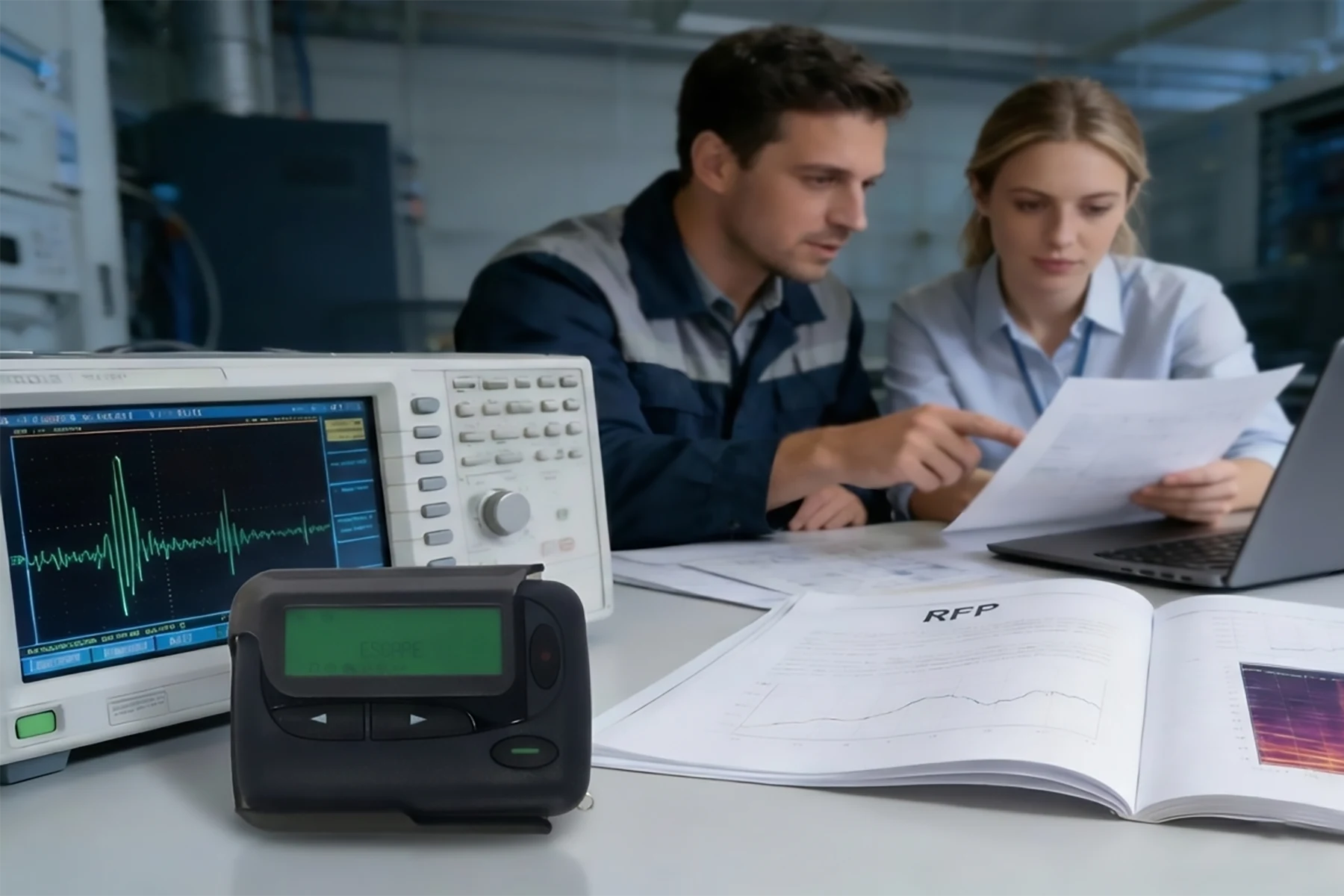
A project should therefore begin with the alert source, message, recipient, priority, coverage area, and required response—not one pager model. Our guide to how a paging transmitter works in a complete system explains the basic route from message source to pager.
Overhead Paging Systems for Hospitals vs Individual Pagers
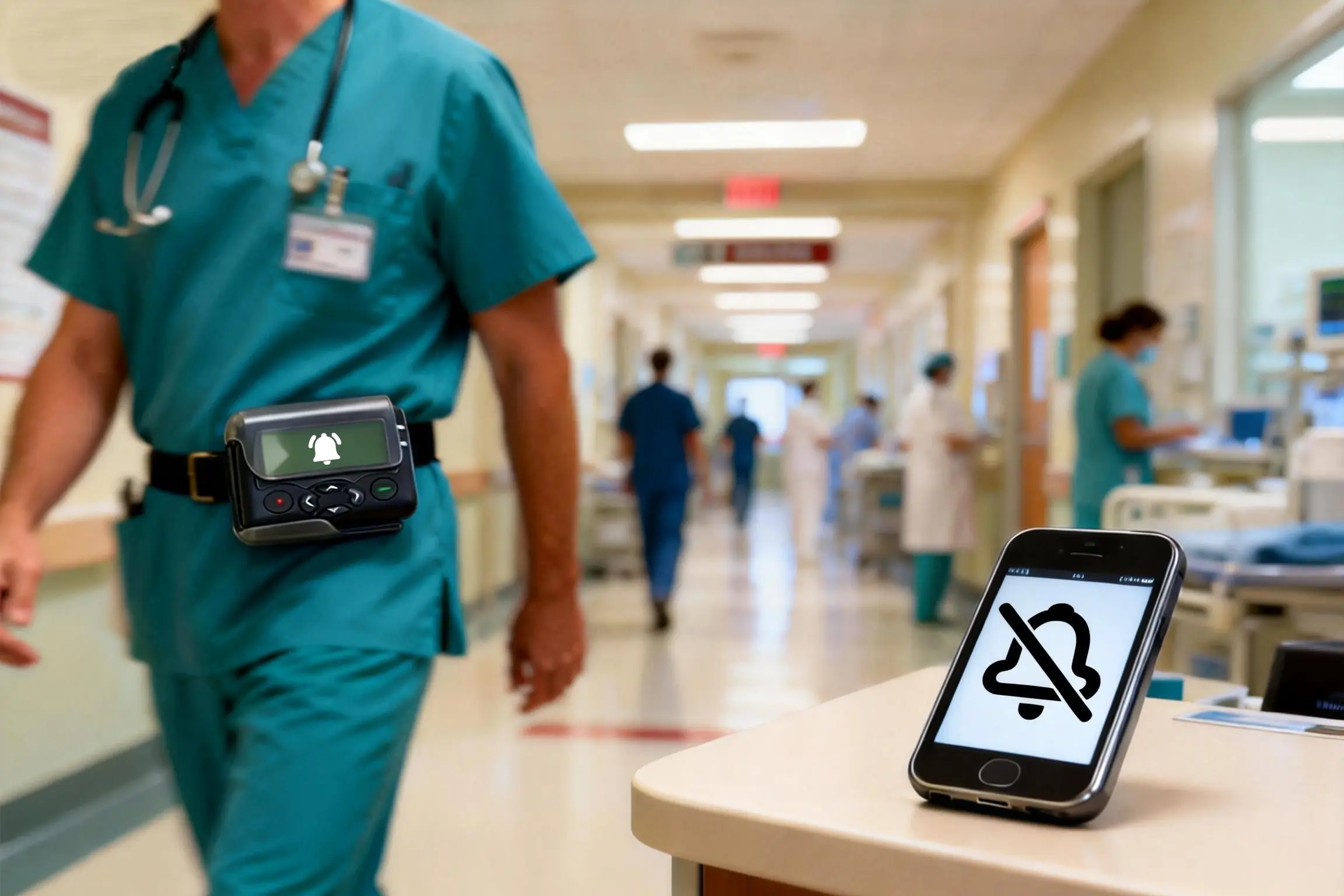
The word “paging” can describe different methods. Overhead paging broadcasts through speakers. Pager-based alerting sends a targeted radio message to an individual or group. Mobile messaging uses an application or managed phone, while a call provides immediate two-way conversation.
The table below shows where each channel can fit. It is a workflow comparison, not a claim that one method is best for every hospital.
| Communication Method | Suitable Use | Main Limitation |
|---|---|---|
| Overhead paging | Hospital-wide emergencies or public instructions | Interrupts people who do not need the alert |
| Alphanumeric pager | Targeted individual or group alerts | Standard one-way paging does not provide acknowledgment |
| Mobile or secure messaging | Detailed, lower-priority communication and records | Depends on networks, settings, login status, and user attention |
| Telephone call | Immediate two-way discussion | Takes staff time and is difficult to scale |
The goal is to match the channel to the event. A hospital-wide emergency may justify an overhead announcement, while a room-specific alert may suit an assigned pager group.
Test 1 — Map Each Alert to the Right Communication Channel
List the events that generate notifications and separate routine updates, time-sensitive tasks, urgent requests, emergencies, and hospital-wide instructions. Assign an owner, first channel, response time, and backup method to each.
Routine updates may remain in software. A time-sensitive request may go to a pager or phone. An emergency may require a distinctive pager alert plus a call, while an organization-wide event may require overhead paging and targeted messages to response teams.
This avoids sending every event through the same channel. When everything appears urgent, staff have less information for deciding what needs immediate action.
Test 2 — Verify Coverage and Hospital Pager Range
Hospital pager range cannot be determined from transmitter power or an advertised distance alone. Building materials, layout, antenna position, frequency, and separate structures all affect reception.
Test patient floors, ICUs, emergency areas, basements, stairwells, service corridors, mechanical rooms, and routes between buildings. Testing only near the transmitter does not represent daily operation.
Record weak or missed-message locations under realistic conditions. New deployments may require an on-site RF survey, antenna planning, licensing review, and installation support from qualified local providers. Specifications cannot replace site validation.
Test 3 — Separate Routine, Urgent, and Emergency Alerts
A useful workflow makes priority visible through words, audible patterns, vibration, repeated notifications, or separate group addresses. The method depends on the pager, sending platform, and procedure.
The message should show whether the recipient must respond immediately, call within a defined period, or review the task later. Emergency alerts should not look identical to routine callbacks, and emergency sounds should not be assigned to routine events.
An unanswered urgent alert may move to another pager, supervisor, or two-way channel after a defined interval.
Test 4 — Standardize Alphanumeric Pager Messages
Numeric pagers support simple callbacks, but a number alone may not explain the event, location, or urgency. Alphanumeric pagers provide concise context at notification.
A practical format can include:
Alert type / Location / Required action / Callback number
For example:
URGENT CONSULT / ER BAY 2 / CALL EXT 2381
Messages should be easy to scan but specific enough to guide action. Hospitals should define approved templates, with content controlled by privacy, security, and organizational policy. Our alphanumeric pager message format guide provides more examples.
Test 5 — Define Acknowledgment and Escalation
A standard one-way POCSAG pager does not transmit a read receipt or response. A sending log does not prove that the recipient read or acted on the message.
If acknowledgment is required, the recipient may call a defined number, use a secure platform, contact dispatch, or use another two-way device. The organization must decide which events require confirmation and when.
Escalation rules should identify the deadline, backup recipient, second channel, and event owner. Functions beyond pager hardware should be reviewed with the platform provider and local integrator.
Test 6 — Control Alarm Fatigue and Off-Duty Notifications
More alerts do not guarantee faster response. Unnecessary messages interrupt work and make important notifications harder to recognize. Recipient groups should reflect current roles, shifts, and responsibilities.
Check whether messages reach people who cannot act, one employee receives the same event through several channels, or routine notices resemble emergencies. Group capcodes support teams but cannot replace clear recipient planning.
Define how on-call groups are updated so off-duty staff stop receiving alerts and active roles remain reachable.
Test 7 — Evaluate Battery Life, Durability, and Shift Handover
Evaluate battery type and operating time, charging or replacement procedures, screen readability, alert performance, clips, holsters, and resistance to daily wear.
Replaceable batteries allow rapid replacement; rechargeable pagers may simplify routine use when charging points and spare units are managed properly.
A role-based pager must be available at shift change. Define who checks devices, stores spares, reprograms units, and handles damaged or missing pagers.
Test 8 — Run a Clinical Pilot Before Full Deployment
A pilot can reveal problems not visible in specifications. Include people who send, receive, support, and respond to alerts, such as doctors, nurses, dispatch, IT, facilities, and security teams.
Test coverage, message clarity, priority recognition, group routing, battery performance, handover, and escalation. Record missed alerts, unnecessary notifications, weak-signal areas, and unclear actions.
The goal is not only message reception, but whether the correct person recognizes the event and takes the expected action.
When a Hybrid Paging and Mobile Workflow Works Better
Replacing every pager with one mobile channel may not solve every communication requirement. Keeping every existing pager workflow unchanged may also preserve unnecessary steps. A hybrid approach allows each channel to serve a defined purpose.
Pagers can provide dedicated, targeted alerts without requiring the user to open a general-purpose application. Mobile or secure platforms can provide details, records, and acknowledgment. Telephone or radio can support immediate discussion, while overhead paging remains available for limited hospital-wide events.
The correct combination depends on urgency, coverage, security requirements, documentation, acknowledgment, and staff responsibilities. Hospitals comparing these options can review our pager vs mobile phone alerts guide, but the final decision should be based on site testing and actual clinical workflow.
What to Confirm Before Selecting Hospital Pagers
WEX supports pager hardware, pager programming, accessories, and OEM requirements. Before discussing models or configuration, buyers should prepare the information directly related to the receiving devices and any existing paging equipment.
The following details help determine whether a pager can match an existing system or planned hardware configuration.
| Item | What to Confirm |
|---|---|
| Pager quantity | Required units and possible spare quantity |
| Pager type | Numeric or alphanumeric |
| Radio settings | Frequency, POCSAG baud rate, and channel spacing where applicable |
| Addressing | Individual and group capcodes/RICs |
| Message requirements | Message type, expected length, language, and display needs |
| Alert modes | Audible, vibration, or silent operation |
| Existing equipment | Current transmitter or controller information |
| Accessories and OEM | Battery, charger, holster, logo, color, or packaging needs |
For existing systems, frequency, protocol, baud rate, capcode, and transmitter information help confirm compatibility. Buyers who do not yet know these parameters can first provide the application, pager quantity, and any existing equipment details. Our POCSAG pager frequency and compatibility guide explains why these settings must be confirmed together.
Frequently Asked Questions
What is a hospital paging system?
It is a communication workflow that sends short alerts from a source, controller, or dispatch point through a paging transmitter to assigned pagers or pager groups. The full workflow also defines message content, recipients, priority, and staff response.
What is the difference between overhead paging and pager-based staff alerts?
Overhead paging broadcasts an audible announcement to everyone within the speaker area. Pager-based alerting sends a radio message to a selected individual or group, making it more suitable for targeted staff notifications.
How far can a hospital pager work?
Range depends on transmitter power, frequency, antenna design and placement, building structure, interference, and the receiver. A quoted distance cannot guarantee indoor hospital coverage, so difficult areas must be tested on site.
Can new pagers work with an existing hospital paging transmitter?
They may be compatible when the protocol, exact frequency, baud rate, capcode/RIC, and message format match. Existing transmitter and pager information should be checked before ordering or programming new units.
Conclusion: Test the Workflow Before Choosing the Device
A hospital paging system should be planned around events, recipients, message priority, coverage, and response—not around one preferred device. Testing these elements before purchase helps hospitals identify where pagers, mobile messaging, telephone calls, or overhead announcements fit.
For pager selection, the most useful starting information is the required quantity, pager type, frequency, POCSAG baud rate, capcode requirements, message format, and current transmitter details. WEX can use these parameters to discuss suitable pager models and configuration options. Site surveys, complete software integration, and hospital-wide workflow design may require support from qualified local providers and system partners.
Alphanumeric Pager Messages for Critical Alerts: Format, Examples, and Testing
How OEM Pagers Are RF-Configured, Tested, and Controlled in Bulk Production
Related Article