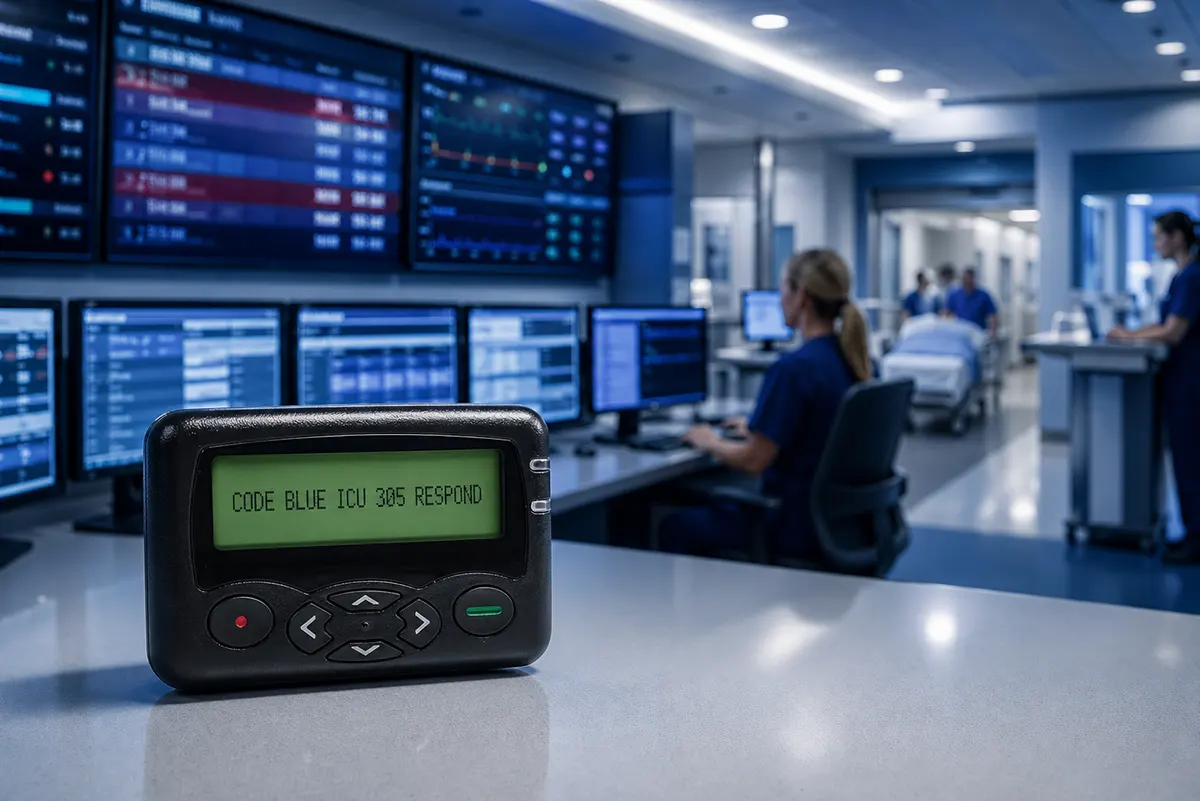
Alphanumeric Pager Messages for Critical Alerts: Format, Examples, and Testing
Quick Answer
A useful alphanumeric pager message should give the recipient enough context to decide what to do without guessing. For a human-entered page, include the subject or location, a specific issue or question, the sender, and a callback number. For an automated alert, identify the event, location or asset, status, and approved action. Test the final wording on the actual pager because line wrapping, supported characters, scrolling, and message handling can vary by device and sending system.
What Is an Alphanumeric Pager Message?
An alphanumeric pager message contains letters, numbers, spaces, and supported punctuation rather than only a telephone number. This allows the message to identify an event, location, person, asset, question, or requested action.
Messages displayed by alphanumeric pagers may be entered manually by an operator or generated automatically by equipment, software, alarm panels, nurse call systems, dispatch platforms, or other integrated systems.
The appropriate format depends on who creates the message, who receives it, and what decision the recipient must make. A manually entered healthcare page, an automated facility alarm, and a dispatch notification should not necessarily use identical wording.
This article focuses on message structure, practical examples, and testing. For an explanation of the radio process behind message delivery, see how a pager receives and decodes a POCSAG message.
Choose a Pager Message Format for the Workflow
A pager message format should support the recipient’s next decision. The message does not need to explain the entire situation, but it should provide enough context for the recipient to understand what the page concerns and how to respond.
The following structures can be adapted to different paging workflows.
Human-Entered Pages
For messages entered by staff, include the subject or location, a specific issue or question, the sender, and a callback method.
[SUBJECT OR LOCATION] + [SPECIFIC ISSUE OR QUESTION] + [SENDER] + [CALLBACK]
Example:
ROOM 214 | CT ORDER QUESTION | RADIOLOGY | EXT. 4321
A message such as “PLEASE CALL” may be acceptable in a workflow where the recipient already knows the context. However, when several departments or cases may be active at the same time, adding the subject and reason for the page reduces unnecessary clarification.
Organizations should also decide which identifiers may be shown on a pager. Avoid including sensitive personal or operational information unless it is permitted by the organization’s privacy and security policies.
Automated Operational Alerts
Automated messages should identify the event, affected location or asset, current status, and an approved action when appropriate.
[EVENT] + [LOCATION OR ASSET] + [STATUS] + [APPROVED ACTION]
Example:
HIGH TEMPERATURE | GENERATOR 2 | ACTIVE | FACILITIES CHECK
Automated alerts should use consistent event names and status terms. The recipient should be able to distinguish a new event, an update, and a cleared condition.
If you are planning an integrated paging system, it is also useful to understand how a paging transmitter works in a complete paging system.
Dispatch-Style Alerts
Dispatch messages often need to communicate an event, location, and timing or response information.
[EVENT] + [LOCATION] + [TIMING OR RESPONSE INFORMATION]
Example:
TRAUMA ALERT | HIGHWAY INCIDENT | ETA 5 MIN
The format should match the organization’s dispatch procedures. Do not add an action that has not been approved as part of the response workflow.
Key Elements of a Clear Alphanumeric Pager Message
Not every message needs every possible field. Select the elements that help the intended recipient recognize the situation and make the next decision.
| Common Pager Message Elements | ||
|---|---|---|
| Element | Purpose | Example |
| Subject or Context | Identifies the person, room, case, department, or task involved | ROOM 214 / CT ORDER |
| Event or Issue | Explains what happened or what needs attention | HIGH TEMP / DOOR FORCED |
| Location or Asset | Identifies where the event occurred or which item is affected | EAST ENTRANCE / LINE 2 MOTOR |
| Question or Action | States what the sender needs or what the recipient should do | CONTRAST REQUIRED? / CHECK EQUIPMENT |
| Sender or Source | Identifies who created the page or which system generated it | RADIOLOGY / CONTROL ROOM |
| Callback or Reference | Supports follow-up or connects related messages | EXT. 4321 / REF 204 |
| Status or Priority | Distinguishes routine, active, updated, cleared, or urgent events | NON-URGENT / ACTIVE / CLEAR |
The order of these elements matters. Information required for immediate recognition should appear before secondary details.
Put Decision-Making Information First
The beginning of the message is especially important because a pager may show only part of a long message before the user scrolls.
Start with the subject, event, location, or asset that allows the recipient to identify the situation. Do not place a long greeting, generic instruction, or system label before the essential information.
Compare “PLEASE REVIEW THE FOLLOWING ALERT FOR GENERATOR 2” with “GENERATOR 2 | HIGH TEMP.” The second version exposes the affected asset and event more quickly.
Use a Specific Question or Approved Action
When a response is required, identify the question or approved action. “CALL RADIOLOGY” may still leave the recipient unsure why the department is calling. “CT ORDER QUESTION | RADIOLOGY | EXT. 4321” provides more useful context.
For automated alerts, actions should come from an established response procedure. Do not allow an alert template to invent or imply an operational instruction that has not been approved.
Critical Alert Pager Message Examples
The following examples show how additional context can make a short page easier to interpret. They are illustrative templates rather than universal instructions.
Each organization should adapt the terminology, abbreviations, privacy controls, and actions to its own procedures.
Human-Entered Healthcare Page
Too vague: PLEASE CALL EXT. 4321
Clearer: ROOM 214 | CT ORDER QUESTION | RADIOLOGY | EXT. 4321
The clearer message identifies the location, topic, sender, and callback number without attempting to include unnecessary clinical detail.
Automated Facility Alert
Too vague: EQUIPMENT ALARM
Clearer: GENERATOR 2 | HIGH TEMP | ACTIVE | FACILITIES CHECK
The revised message identifies the asset, condition, state, and responsible response group.
Automated Security Alert
Too vague: DOOR ALARM
Clearer: EAST ENTRANCE | DOOR FORCED | ACTIVE | SECURITY RESPOND
The recipient can identify the location and event before reviewing the response instruction.
Automated Industrial Alert
Too vague: LINE FAULT
Clearer: LINE 2 MOTOR | OVERHEAT | ACTIVE | MAINTENANCE CHECK
The clearer version indicates which component is affected and the condition that triggered the page.
Dispatch-Style Alert
Too vague: EMERGENCY INCOMING
Clearer: TRAUMA ALERT | HIGHWAY INCIDENT | ETA 5 MIN
The revised message gives the recipient an event type, context, and timing information.
Write for a Small Pager Display
A message that looks clear on a computer may be harder to understand on a small pager screen. Message design should account for the pager’s visible lines, character support, wrapping, scrolling, and message-history behavior.
- Put essential information early in the message.
- Use short, locally approved abbreviations.
- Avoid combining several unfamiliar abbreviations in one message.
- Check how spaces, slashes, hyphens, and colons appear on the actual device.
- Do not rely on punctuation alone to communicate urgency or meaning.
- Confirm how the pager wraps, scrolls, or divides messages across multiple screens.
- Avoid unnecessary names or sensitive details.
- Confirm whether the sending software automatically adds timestamps, sender names, equipment IDs, or reference numbers.
A long theoretical character limit does not guarantee a useful message. Operational clarity depends on what the recipient sees first and how easily the complete message can be reviewed.
The best way to confirm readability is to send representative messages through the intended software, transmitter, and pager model.
For Automated Alerts: Distinguish New, Updated, and Cleared Events
Automated paging systems may send several messages about the same event. Without a clear state or reference, recipients may interpret an update as a new alarm or fail to recognize that the condition has been cleared.
Use consistent terms such as NEW, UPDATE, ACTIVE, ACKNOWLEDGED, and CLEAR only when those states are supported by the monitoring and response workflow.
A reference number can help connect messages related to the same event.
New event: EAST DOOR | FORCED OPEN | NEW | SECURITY RESPOND | REF 204
Updated: EAST DOOR | STAFF ON SITE | UPDATE | REF 204
Cleared: EAST DOOR | ALARM RESET | CLEAR | REF 204
The exact terminology should match the organization’s alarm-management procedures and the capabilities of the integrated system.
Use Urgency Labels and Repeated Pages Carefully
Labels such as URGENT, STAT, CRITICAL, or EMERGENCY should have a defined operational meaning. If every page is marked urgent, the label loses value and may make prioritization more difficult.
Routine messages can also be identified when this helps recipients separate them from time-sensitive events. For example, NON-URGENT may be useful in a manual paging workflow where recipients receive both routine questions and critical notifications.
Repeated pages also need a clear policy. A second page may mean that the event remains active, the first page was not acknowledged, the priority has increased, or the sender accidentally submitted a duplicate.
Define when a page should repeat, whether the wording changes, and how recipients can distinguish a reminder from an escalation.
Match the Message to the Recipient
A message sent to one specialist can assume different knowledge from a message sent to a broad response team. The amount of context should match the recipient’s role and familiarity with the workflow.
Team pages should avoid wording that only one person understands. If several departments share similar equipment names, room numbers, or event codes, include enough identifying information to prevent confusion.
Organizations operating in more than one language should also confirm which language and character sets are supported by the sending software, transmitter, and pager. Do not assume that every special character displayed correctly in the software will appear identically on the pager.
Pre-Deployment Pager Message Test
Message testing should use realistic alerts rather than only a short demonstration message. Include common messages, long messages, updates, cleared events, punctuation, numbers, and expected abbreviations.
Review each message from the perspective of the intended recipient.
| Pager Message Testing Checklist | |
|---|---|
| Test Area | What to Confirm |
| First View | The first visible line contains useful identifying information |
| Truncation | Important words, questions, and callback details are not cut off |
| Wrapping and Scrolling | Longer messages remain easy to follow |
| Characters | Spaces, punctuation, abbreviations, and separators display correctly |
| Added Fields | Timestamps, equipment IDs, sender names, or references added by software are correct |
| Recipient Routing | Individual and team messages use wording appropriate to the recipient |
| Urgency | Routine and critical messages are clearly distinguished |
| Repeated Pages | Staff can distinguish a repeat, escalation, and accidental duplicate |
| Event State | Automated NEW, UPDATE, and CLEAR messages can be connected to the same event |
| Staff Comprehension | Intended users understand and can prioritize without unnecessary clarification |
Record any confusing wording and revise the template before deployment. Testing should be repeated when the pager model, sending software, integration, or operational procedure changes.
What Buyers Should Confirm Before Ordering
Buyers should provide message examples and workflow information before selecting pager models or configuring a system. Useful details include:
- Whether messages are entered by people, generated automatically, or both
- Three to five typical messages
- The longest expected message
- Required language and character types
- The preferred number of visible lines
- Scrolling and message-history requirements
- Fields automatically added by the sending system
- Sound, vibration, and priority distinctions
- Callback or acknowledgement requirements
Message formatting is only one part of a working paging system. Frequency, baud rate, capcode assignment, transmitter configuration, software integration, and coverage must also be compatible. See our explanation of POCSAG frequency, baud rate, and capcode settings for additional planning information.
WEX can review representative message samples together with the intended application, pager requirements, and system configuration. Final message wording and response procedures should be approved by the organization responsible for the operational workflow.
Frequently Asked Questions
What Should an Alphanumeric Pager Message Include?
Include the information the recipient needs to recognize the situation and decide what to do. Depending on the workflow, this may include a subject or event, location or asset, specific question or approved action, sender or source, callback information, status, and reference number.
How Long Can an Alphanumeric Pager Message Be?
The practical length depends on the pager, sending software, protocol configuration, and display behavior. A system may accept a message that is technically long enough but still difficult to read on the pager. Confirm the final wording using the actual equipment.
Should Every Pager Message Use Exactly the Same Format?
No. Human-entered pages, automated operational alerts, and dispatch notifications may need different fields. Consistency is useful within each workflow, but the format should reflect who creates the message and what the recipient must decide.
Can Alphanumeric Pager Messages Contain Special Characters?
Support varies by pager, character set, sending software, and system configuration. Test required punctuation and special characters on the intended pager rather than assuming they will display correctly.
Conclusion
A clear alphanumeric pager message gives the recipient enough context to recognize the situation and make the next decision. The most useful format depends on whether the page is entered manually, generated automatically, or used in a dispatch workflow.
Put identifying information first, use specific questions or approved actions, distinguish event states, control urgency labels, and avoid unnecessary sensitive details. Most importantly, test representative messages on the actual pager and sending system.
A technically successful transmission is not enough. The message must also be readable, understandable, and appropriate for the recipient’s operational role.

Written by Emma Zhang
Reviewed by WEX Product & Engineering Team
The WEX Product & Engineering Team shares practical insights on pagers, paging systems, paging transmitters, PoC radios, and critical communication solutions. Our articles combine product knowledge, customer application experience, and technical input from WEX’s R&D and production teams to help buyers make more informed decisions.
Communication vs Alerting: How Paging Supports Critical Alerts
Hospital Paging System Upgrade: 8 Tests Before Replacing or Expanding Pagers
Related Article