Do Pagers Use Cell Towers? How Pager Networks and On-Site Systems Work
Quick Answer
Standard radio pagers do not use cellular service or Wi-Fi to receive POCSAG messages. They receive radio signals from a compatible paging transmitter or paging network. However, a working pager still needs the correct frequency, protocol, baud rate, and capcode. The system used to create and route a message may also rely on telephone, Ethernet, internet, or other connections before the transmitter broadcasts it to the pager.
Pagers and mobile phones are both wireless devices, but they do not normally receive messages through the same network. A mobile phone registers with a cellular network. A standard one-way POCSAG pager listens on a programmed radio frequency and responds when the transmitted address matches its capcode.
This distinction explains why a pager may receive an alert in a location with weak or unavailable cellular reception. It does not mean that a pager works by itself. Every working pager must be supported by a compatible paging service or a private on-site paging system.
Do Pagers Use Cell Towers?
Standard POCSAG pagers do not connect to a cellular carrier in the way a mobile phone does. They do not need a SIM card, mobile data plan, or cellular network registration to receive a normal paging transmission. Instead, they monitor a programmed radio frequency for messages sent by a paging transmitter.
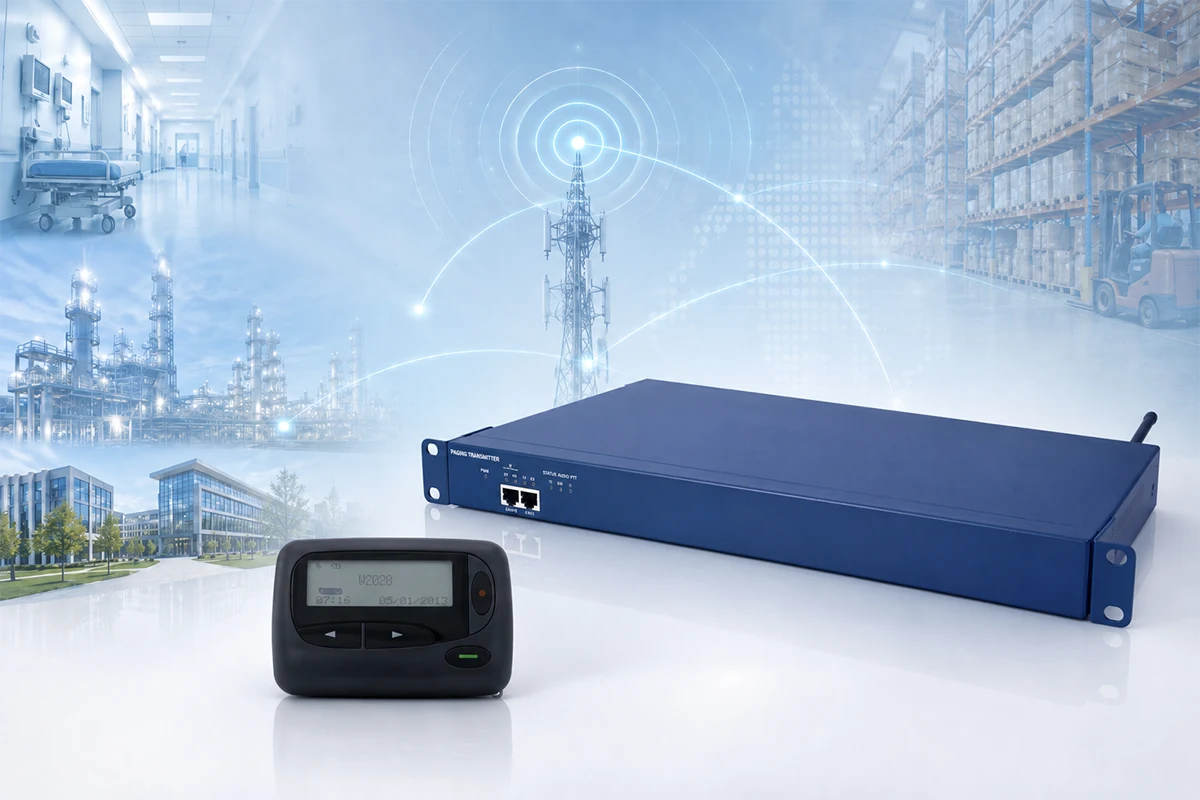
The word “tower” can create confusion. A paging antenna may be installed on a rooftop, mast, communications tower, or a site that also hosts cellular equipment. Sharing a physical site does not mean that the pager uses the cellular network. The paging transmitter, frequency, and radio service remain separate from the mobile carrier’s network.
For a closer look at what happens inside the receiving device, see how a POCSAG pager works from RF reception to message display.
What Network Does a Pager Use?
Wide-Area Pager Service
A paging service provider operates transmitters across its coverage area. A message is routed through its system and broadcast from one or more transmitters. The pager receives it when the device is within coverage and its frequency, protocol, and address are compatible. This model usually requires an active service arrangement; coverage, activation, input methods, and charges depend on the provider.
Private On-Site Paging System
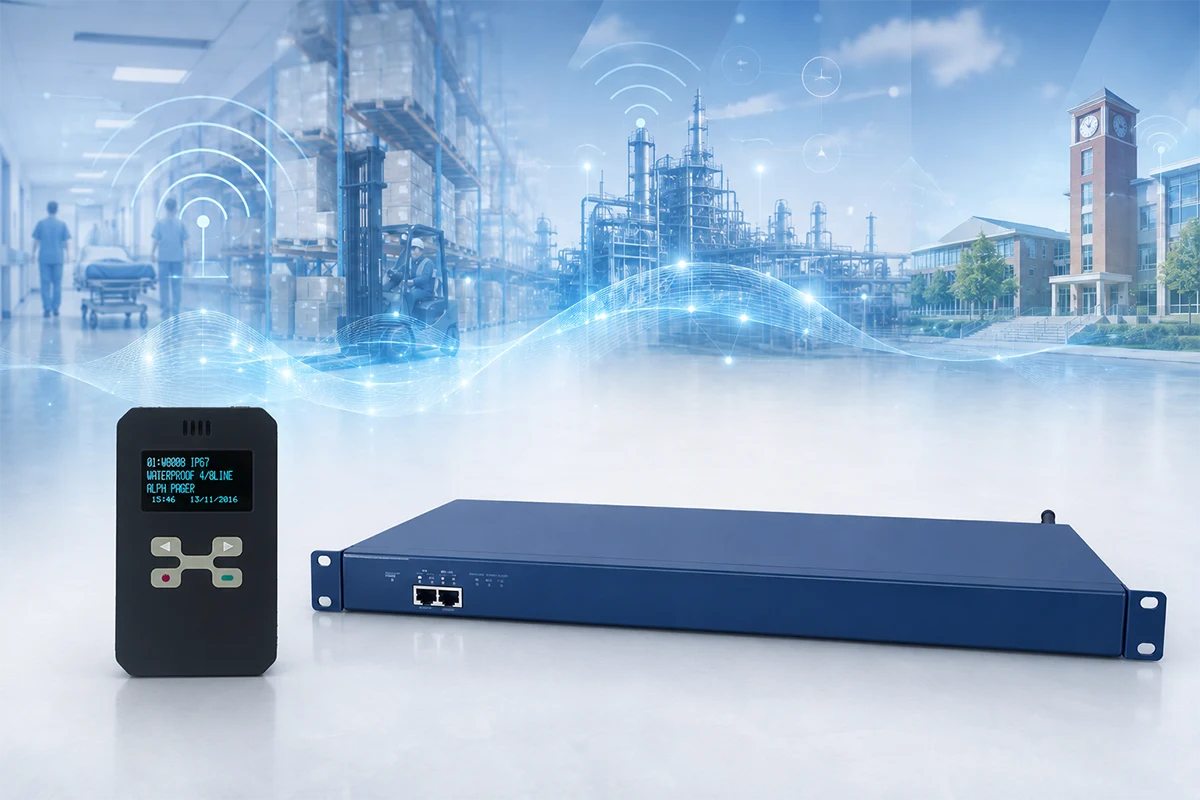
Hospitals, factories, warehouses, campuses, and other organizations can operate private systems for their own sites. A local controller or gateway sends messages to a transmitter, which broadcasts them through an antenna to selected pagers.
An on-site system may reduce dependence on a public paging carrier, but it still requires suitable equipment, frequency planning, regulatory review, coverage testing, and maintenance.
Do Pagers Need Cell Service or Wi-Fi?
The receiving link normally does not require cellular service or Wi-Fi. A POCSAG pager can receive a compatible RF transmission without connecting to a mobile operator or wireless router.
The message-input side of the system is a separate question. Depending on the design, a message may originate from:
- A local computer or paging console
- An alarm panel or equipment controller
- A nurse call or facility management system
- A telephone, email, web, or network interface
- A local serial, TAP, or other supported connection
Some inputs operate entirely within a local site; others depend on Ethernet, internet, telephone, or cellular connectivity. Buyers should examine the complete message path rather than assume that every part of the system is independent.
Pager Service vs. an On-Site Paging System
| Pager Service vs. On-Site Paging System | ||
|---|---|---|
| Item | Wide-Area Pager Service | On-Site Paging System |
| Coverage | Provider’s defined service area | Planned building, facility, campus, or local area |
| Transmitters | Operated by the service provider | Operated by the organization or its system partner |
| Service arrangement | Usually requires an active subscription | May avoid a carrier subscription but requires owned infrastructure |
| Message input | Methods supported by the provider | Local software, controller, gateway, alarm input, or other interface |
| Frequency planning | Managed as part of the provider’s network | Must be confirmed for the project and operating region |
| Best suited for | Users moving across an available service area | Organizations controlling communication within defined sites |
Wide-area service suits users moving through an established coverage region. A private system suits organizations controlling paging within defined sites. Buyers should identify the model before choosing pagers.
What Does an On-Site Paging System Need?
A basic on-site paging path can be summarized as:
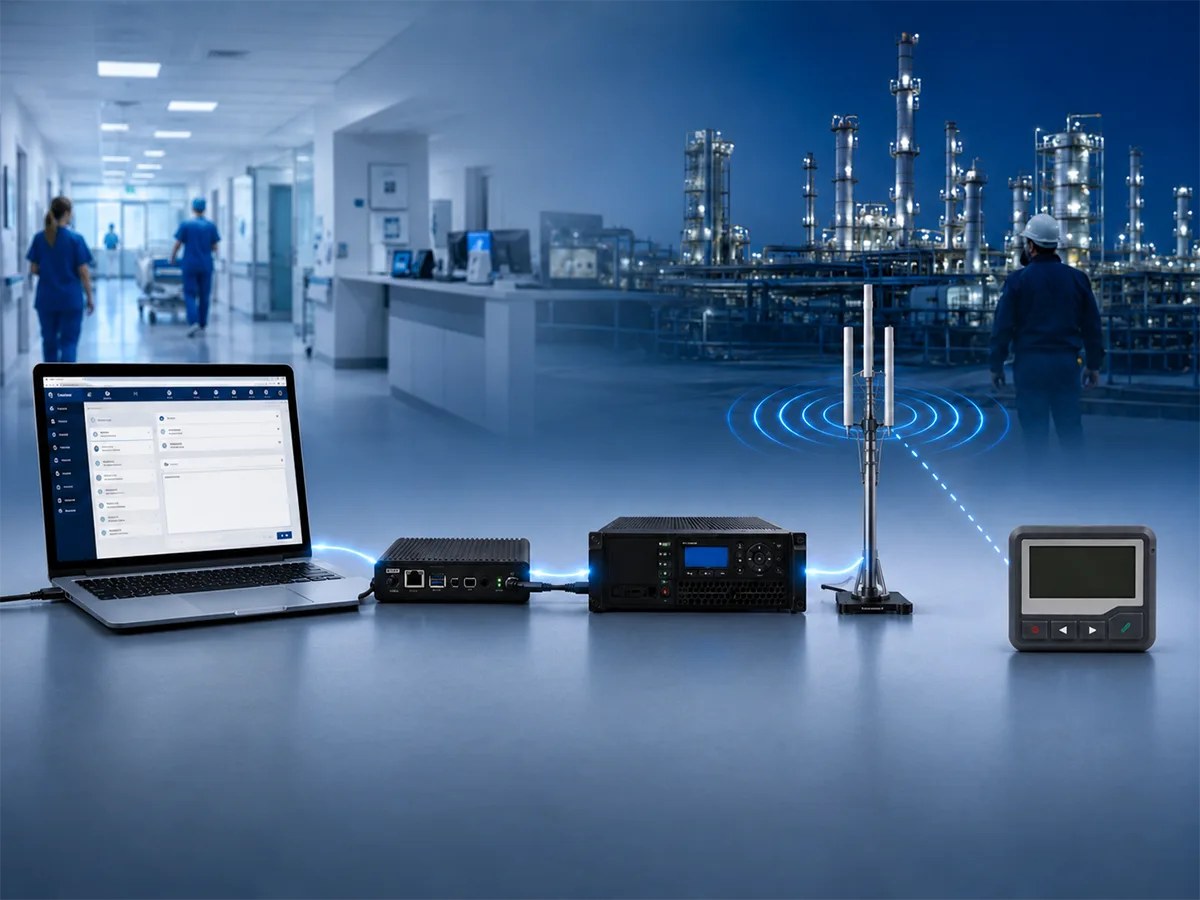
Message Source → Controller or Gateway → Paging Transmitter → Antenna → Pager
The source may be a person, software platform, alarm panel, nurse call system, or industrial controller. The controller or gateway selects the pager or group and passes the message to the transmitter. The transmitter then broadcasts the configured RF signal through the antenna.
Compatibility must be checked across the path, including pager frequency, POCSAG baud rate, and capcode/RIC, as well as message type, channel spacing, input method, transmitter configuration, and antenna setup.
A transmitter is the RF delivery component; it does not necessarily manage users, alarm logic, groups, or the complete communication workflow. Those functions may require a controller, gateway, software platform, or integration supplied as part of the wider system.
A compatible IP POCSAG paging transmitter can provide the RF transmission layer, but the controller, input method, frequency plan, antenna system, and pager settings must still be confirmed for the project.
What Happens During a Cell, Internet, or Power Outage?
Whether paging continues to work depends on which part of the infrastructure has failed and how the system was designed.
| Possible Effects of Network and Power Outages on Paging | |
|---|---|
| Situation | Possible Effect on Paging |
| Cellular service outage | A private RF paging system may continue operating if its message source and routing path do not depend on cellular service |
| Wi-Fi outage | The pager’s RF receiving link may still work, but a Wi-Fi-based message input or gateway may be unavailable |
| Internet outage | A fully local message path may continue working; cloud-based or remote web input may be affected |
| Power outage | Paging continues only if the required controller, transmitter, antenna system, message source, and supporting equipment have suitable backup power |
| Pager outside RF coverage | The pager cannot receive the message even if cellular and internet service remain available |
The pager battery is only one part of outage readiness. A powered pager cannot receive a new alert if the transmitter, controller, or message source is unavailable. Critical applications should consider backup power, local message entry, antenna coverage, failure monitoring, and operating procedures together.
What Buyers Should Confirm Before Ordering
Before ordering pagers or a transmitter, buyers should confirm the following:
- Deployment model: Existing service provider or private on-site system?
- Frequency and regional requirements: What receive frequency and local authorization, licensing, or coordination apply?
- Protocol and baud rate: POCSAG at 512, 1200, or 2400 bps, or another protocol?
- Capcode and message type: Which capcodes/RICs, function levels, and message formats are required?
- Message input: Software, local console, TAP, alarm contacts, network interface, or another source?
- Coverage and antenna planning: Which buildings, floors, and outdoor areas must be covered?
- Operating continuity: Which components need backup power, and how will faults be detected?
These questions help prevent buyers from selecting a pager by appearance or frequency range while overlooking network compatibility and the rest of the system.
WEX can help buyers review pager frequency, baud rate, capcode, message type, transmitter compatibility, and basic configuration requirements before quotation or production. Buyers can also review WEX’s POCSAG alphanumeric pagers for project-specific frequency, battery, programming, and durability requirements.
Conclusion
Standard radio pagers receive POCSAG broadcasts from compatible paging transmitters rather than cellular service or Wi-Fi. This can be useful where cellular reception is unavailable, but properly planned infrastructure is still required.
Some users rely on a wide-area provider, while hospitals, factories, warehouses, and campuses may operate private systems. The right choice depends on coverage, message input, frequency authorization, compatibility, and operational responsibility.
Buyers should define the paging network first and then select pagers, transmitters, and supporting equipment that work together.
Frequently Asked Questions
Do Pagers Need Cell Service?
Standard POCSAG pagers do not need cellular service to receive normal paging messages. They do need a compatible paging transmitter or paging network operating on the correct frequency and protocol.
Do Pagers Work Without Wi-Fi?
Yes, a standard RF pager can receive messages without Wi-Fi. However, a paging console, gateway, or message source that uses Wi-Fi or the internet may be affected if that connection fails.
Does a Pager Need a Monthly Subscription?
It depends on the deployment. A pager using a commercial wide-area paging provider normally requires an active service arrangement. A private on-site system may not require a carrier subscription, but the organization must provide and maintain its own paging infrastructure.
Can a Company Operate Its Own Local Paging System?
Yes. A company can deploy a private system using compatible controllers, transmitters, antennas, and pagers. Frequency authorization, local regulations, coverage planning, system integration, and equipment compatibility must be confirmed for the operating region and application.
How Far Do Pagers Work? Pager Range and Coverage Explained
Hospital Staff Paging Systems: How Targeted Staff Alerts Work
Related Article