Hospital Staff Paging Systems: How Targeted Staff Alerts Work
Quick Answer
A hospital staff paging system sends short, targeted alerts to specific staff members, duty roles, departments, or predefined groups. Unlike building-wide announcements, staff paging addresses a defined recipient. One-way pagers work best when the alert is brief, the recipient is clear, and the next action—such as calling back, going to a location, or contacting another department—is already defined. For existing systems, pager protocol, frequency, baud rate, addressing, and coverage must also match the paging infrastructure.
A Hospital Staff Paging System Sends Targeted Alerts, Not Building-Wide Broadcasts
Hospital staff paging is designed to reach selected recipients rather than everyone in a building. A typical message path is:
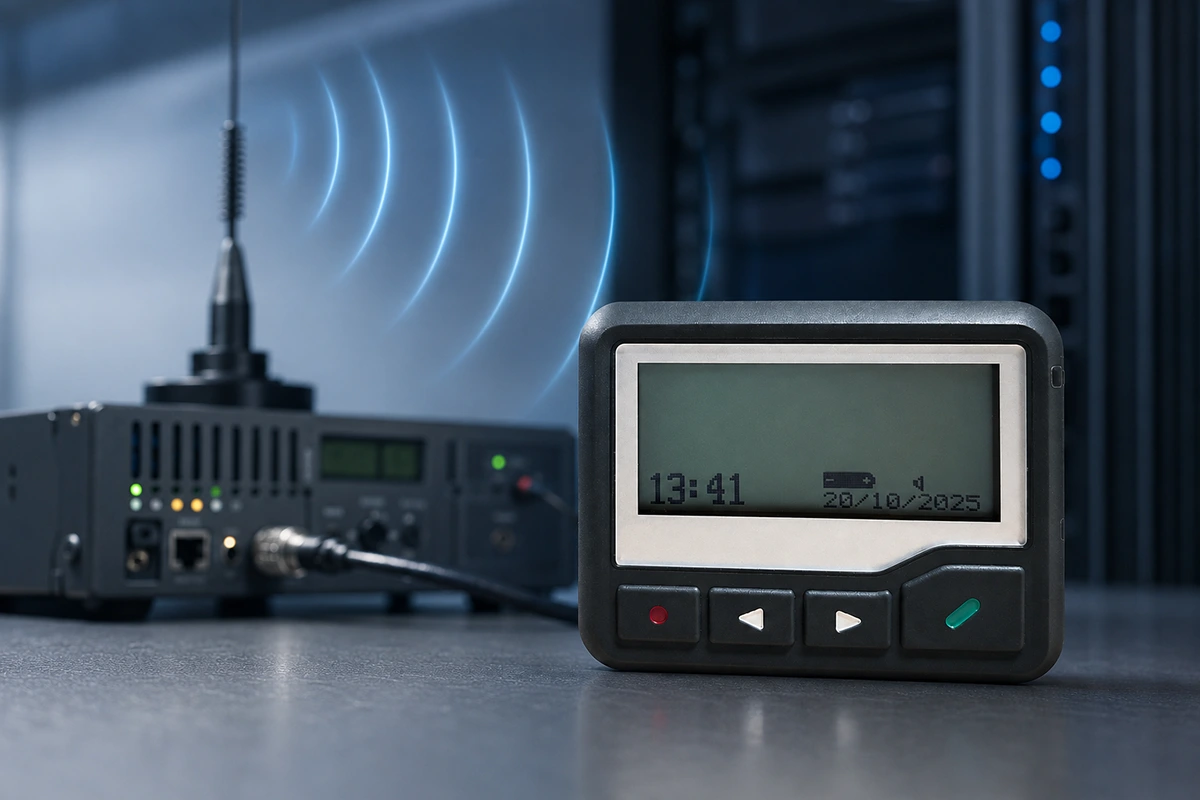
Message source → paging controller or encoder → transmitter → antenna → addressed staff pager
The message source may be approved paging software, an operator console, an alarm interface, or another authorized input. The controller or encoder prepares the message and destination address, and the transmitter broadcasts it. A compatible pager responds when its programmed settings and address match the signal.
This differs from overhead paging. An overhead system sends an audible announcement to an area, while staff paging sends an addressed alert to a selected person, role, or group. They can coexist, but they solve different notification problems.
The pager is therefore only one part of the system. Reliable operation also depends on the message source, transmitter, antenna, pager configuration, staff assignment, and response process. For more detail on the receiving process, see how a pager works.
Staff Pagers Can Be Assigned to an Individual, Role, or Group
A staff paging plan should define who is expected to receive each type of alert before pagers are programmed or deployed.
Individual Pager Address
An individual pager address is suitable when a message must reach one specifically assigned staff member. The organization must keep the pager-to-person assignment accurate so that the correct device is carried by the intended recipient.
Role-Based Pager Assignment
Some alerts need to reach a duty role rather than one permanent person. An on-call function, department contact, or shift-based responsibility can use a pager or address that changes hands during staff handover. The correct person must carry the device for that role.
Group Paging
A group address allows multiple compatible pagers to respond to the same alert. This is useful when a predefined team or department needs the same short notification. Group membership should be controlled.
In POCSAG systems, capcode or RIC addressing is part of how the paging system identifies individual or group recipients. Detailed frequency, baud-rate, and capcode selection is covered in the POCSAG pager frequency, baud rate, and capcode guide, but the important workflow principle is simple: every alert should have a defined destination.
Short, Actionable Messages Are Best for Hospital Staff Paging
Hospital staff pagers are most useful when the message gives the recipient enough information to recognize the request and take the next step without trying to carry the entire conversation.
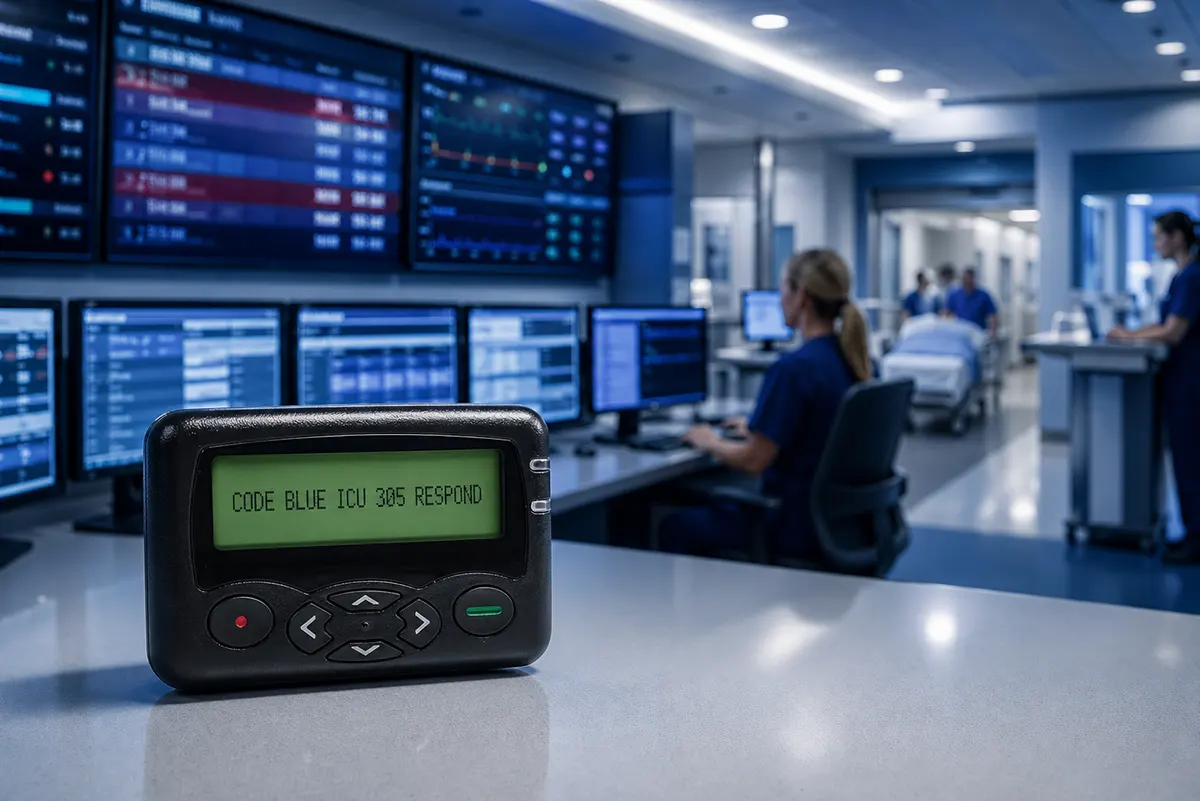
A useful alert may identify the request, the relevant location or department, and the required action. Depending on local policy, it may also include a priority indicator or callback number. Alphanumeric pagers can provide more context than numeric pagers because they can display short text instead of only a number or code.
The message should remain concise. Long clinical discussions, detailed patient information, documentation, or complex decisions should move to the appropriate authorized communication or clinical system. A practical rule is:
Pager alerts should trigger action, not carry the entire conversation.
Clarity matters more than length. The recipient should quickly understand what needs attention and what to do next.
One-Way Pagers Need a Defined Follow-Up or Escalation Step
A standard one-way pager can receive an alert but normally cannot confirm that the recipient has read it, accepted the task, or completed the requested action. The workflow therefore needs to define what happens after the page is received.
The next step may be to call a department, go to a location, contact another staff member, check an approved clinical platform, or move the conversation to a two-way channel. If a task requires immediate acknowledgment, documented acceptance, detailed discussion, or status tracking, one-way paging alone is not sufficient.
This limitation is also reflected in published hospital research. A 2023 peer-reviewed study documenting WEX W2028P alphanumeric pager use in New Zealand public hospitals discussed practical issues including message clarity, acknowledgment, privacy, and the limitations of one-way communication.
The implication is not that staff paging is unsuitable. It is that its role should be defined correctly: the pager provides the targeted alert, while the hospital workflow defines the response and escalation path.
Existing Hospital Paging Systems Must Match the Pager Protocol and Configuration
Adding staff pagers to an existing hospital paging system requires more than choosing a pager that looks suitable. The new devices must be technically compatible with the installed paging infrastructure.
For a POCSAG system, buyers should confirm at least:
- Paging protocol
- Operating frequency
- Baud rate
- Capcode or RIC requirements
- Pager frequency range and hardware version
- Message format and required pager functions
The exact frequency should match the transmitter and system configuration. Baud rate must also be compatible. Capcodes or RICs determine which pager or group responds to an address, while the pager hardware must support the required frequency range.
These details should come from the existing system configuration, transmitter documentation, current pager labels, programming records, or the organization responsible for maintaining the paging network. They should not be guessed from general online frequency lists.
For WEX projects, existing pager and transmitter information can be reviewed before additional pagers are configured. Buyers can also review WEX POCSAG alphanumeric pagers for project-specific programming, battery, durability, and frequency requirements.
Test Coverage and Pager Assignment Before Full Deployment
Technical compatibility does not guarantee reliable reception in every staff area. Walls, reinforced structures, basements, stairwells, plant rooms, remote wings, and equipment can affect RF coverage.
Coverage should therefore be tested in the actual areas where staff are expected to carry pagers. Transmitter power alone does not provide a reliable answer to indoor pager range. Antenna position, building layout, frequency, interference, receiver sensitivity, and local RF conditions all influence the result.
For more detail on RF coverage factors and practical testing, see how far pagers work and what affects pager range.
Pager assignment should be tested at the same time. Confirm that individual, role-based, and group addresses reach the intended devices; that shift handover procedures are clear; and that staff know what action is expected after each type of alert.
A limited pilot is often more informative than relying only on specifications. It can reveal configuration, coverage, assignment, or workflow problems before a larger deployment.
Hospital Staff Paging FAQ
What Is a Hospital Staff Paging System?
A hospital staff paging system sends short, addressed alerts to pagers assigned to specific people, duty roles, departments, or groups. A typical system includes a message source, controller or encoder, paging transmitter, antenna system, and compatible pagers.
Can One Paging System Alert Both Individuals and Groups?
Yes, when the controller, pager programming, and addressing plan support both individual and group addresses. The operational requirement is to keep pager assignments and group membership accurate.
Are Staff Pagers the Same as Overhead Paging?
No. Staff pagers send addressed alerts to selected recipients. Overhead paging broadcasts an audible announcement to a defined area. They can be used in the same facility, but they solve different communication needs.
Can Hospital Staff Pagers Work With Other Communication Tools?
Yes. A pager can provide the initial targeted alert, while a telephone, radio, approved clinical platform, or in-person response supports the next step. The correct combination depends on whether the workflow requires one-way notification, acknowledgment, discussion, documentation, or escalation.
Do Pagers Use Cell Towers? How Pager Networks and On-Site Systems Work
How Does a Pager Work? From Radio Signal to Alphanumeric Message Display
Related Article