Wireless Paging System for Business: Types, Components, and Staff Alerts
Quick Answer
A wireless paging system sends alerts, calls, or short messages to pagers without requiring staff to rely on mobile phones. In business use, it can support staff alerts, maintenance calls, machine notifications, security messages, and emergency response. This article focuses on business and facility paging systems, not restaurant guest pagers or public address speaker systems.
What Is a Wireless Paging System?
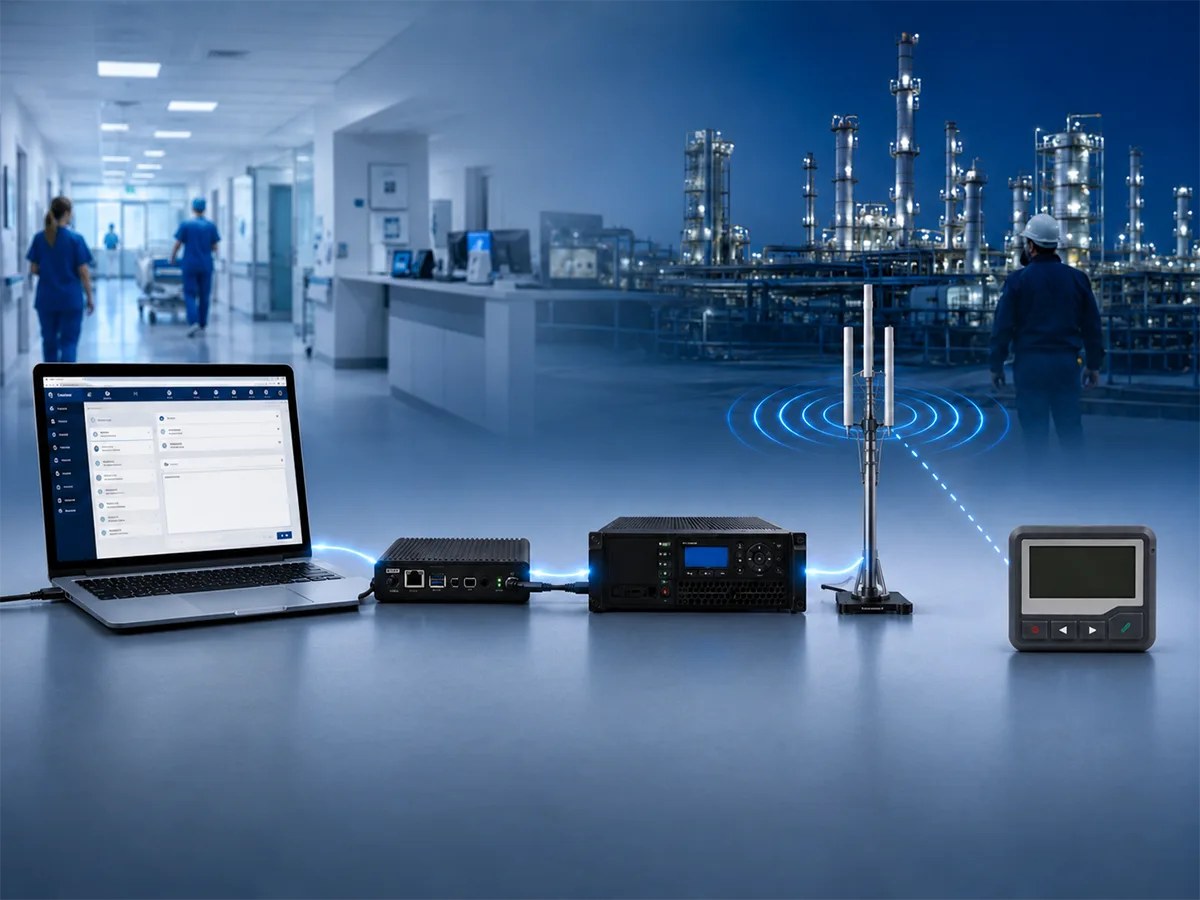
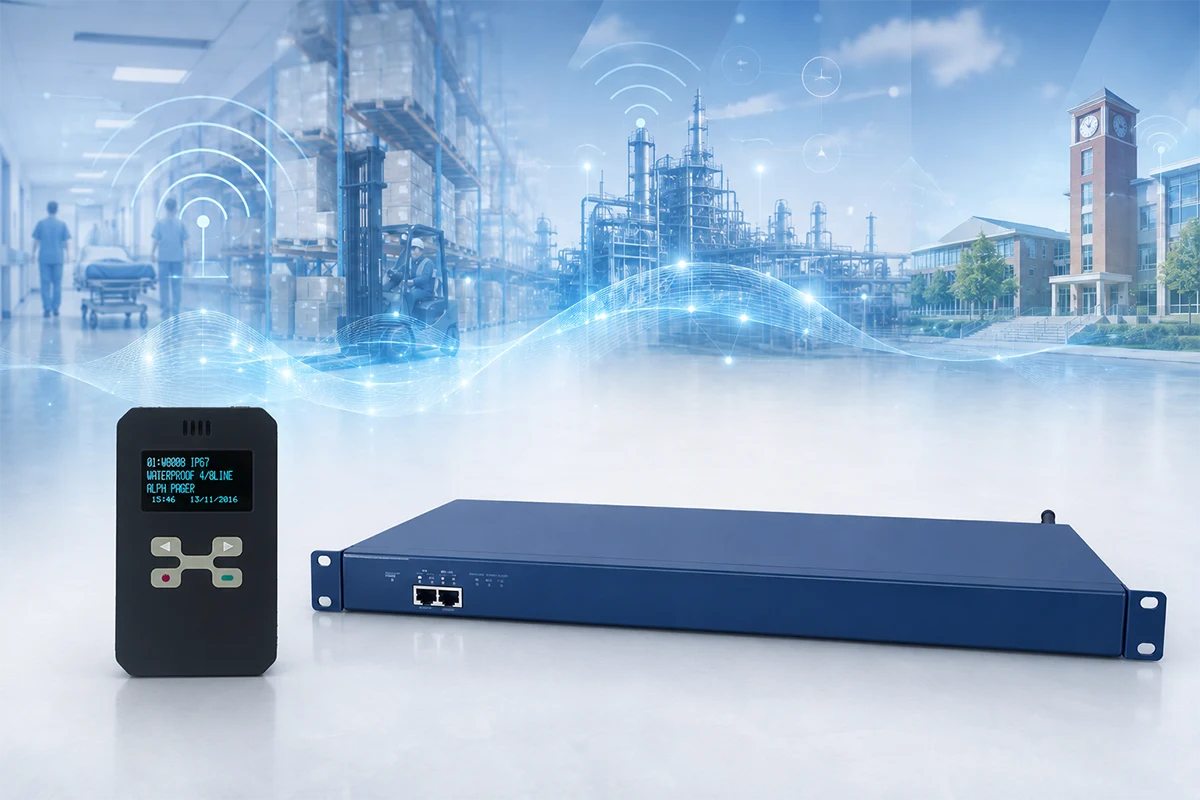
A wireless paging system is not just one pager. It is a complete message delivery setup that usually includes a message source, controller or software, paging transmitter, antenna, and pager receivers.
The message may come from a dispatch computer, web interface, alarm input, nurse call system, machine controller, or manual operator. The system then sends the message to one pager, several pagers, or a staff group.
For business users, the value is simple: the right person receives a short alert without needing to check an app, answer a phone call, or listen for a public announcement.
Main Types of Wireless Paging Systems
Wireless paging system is a broad term, so the first step is to understand which type is being discussed.
Guest or Restaurant Paging Systems
Guest paging systems are common in restaurants, waiting areas, and service counters. They are usually used to call customers when a table, order, or service is ready. These systems are part of the wider wireless paging market, but they are not the main focus of this article.
Staff Pager Systems for Business
A staff pager system is used to notify employees, technicians, nurses, security staff, warehouse teams, or facility workers. It is usually designed for internal communication rather than customer waiting.
Typical uses include maintenance requests, internal staff calls, equipment-related alerts, and department messages. This is the most relevant type for many business, industrial, healthcare, and facility environments.
Pager Alert Systems for Critical Messages
A pager alert system is used when the message is more urgent. It may send equipment alarms, safety notifications, temperature warnings, emergency calls, or critical operational messages to selected people.
In this type of system, message clarity matters. A short text alert should tell the recipient what happened, where it happened, and what action is needed.
Wireless PA or Speaker Paging Systems
Some search results for wireless paging system refer to PA speakers or public address systems. A PA system broadcasts voice to an area. A pager system sends a private or targeted message to a person or group.
Both can be useful, but they solve different problems. PA is better for area-wide instructions. Pagers are better for targeted staff alerts.
How a Business Wireless Paging System Works
A business paging system can be simple or complex, but the basic process is usually the same.
Message Source or Controller
The message starts from a source. This may be PC software, a web message page, a nurse call input, an alarm controller, a machine signal, or a manual dispatch station.
The controller or software decides who should receive the message. For example, a maintenance alert may go to one technician, while a safety alert may go to a whole response group.
Paging Transmitter and Antenna
The paging transmitter sends the wireless signal to the coverage area. Antenna placement, building layout, transmitter power, and site conditions all affect how reliably pagers receive messages.
This article only gives a short overview. A more detailed explanation of the transmission chain is covered in how a paging transmitter works in a complete system.
Pagers and Staff Groups
The final receiving device is the pager. Some systems send messages to individual users. Others send group messages to departments such as maintenance, security, warehouse operations, or engineering.
Group paging is useful, but it should be planned carefully. Sending every alert to everyone may create message fatigue and make critical alerts easier to miss.
Key Components of a Wireless Paging System
The table below explains the main parts of a wireless paging system and how each part helps send alerts to the right staff.
| Component | Function | Typical Use | Planning Note |
|---|---|---|---|
| Message source | Creates the alert or message | Software, alarm input, manual dispatch | Define message type clearly |
| Controller or software | Routes the message | Staff groups, departments, alarm rules | Match messages to real responsibilities |
| Paging transmitter | Sends the wireless signal | On-site alert delivery | Check power, antenna, and coverage |
| Antenna | Supports signal distribution | Buildings, warehouses, facilities | Site layout affects performance |
| Pager receiver | Receives the alert | Staff, maintenance, security, healthcare teams | Choose numeric or alphanumeric type |
| Group paging setup | Sends messages to teams | Departments or response groups | Avoid notifying everyone unnecessarily |
A wireless paging system works best when the hardware setup and message routing rules are planned together.
Numeric Pager vs Alphanumeric Pager
A numeric pager receives numbers or simple codes. It can work for basic call numbers or predefined internal codes. However, it may require staff to remember what each code means.
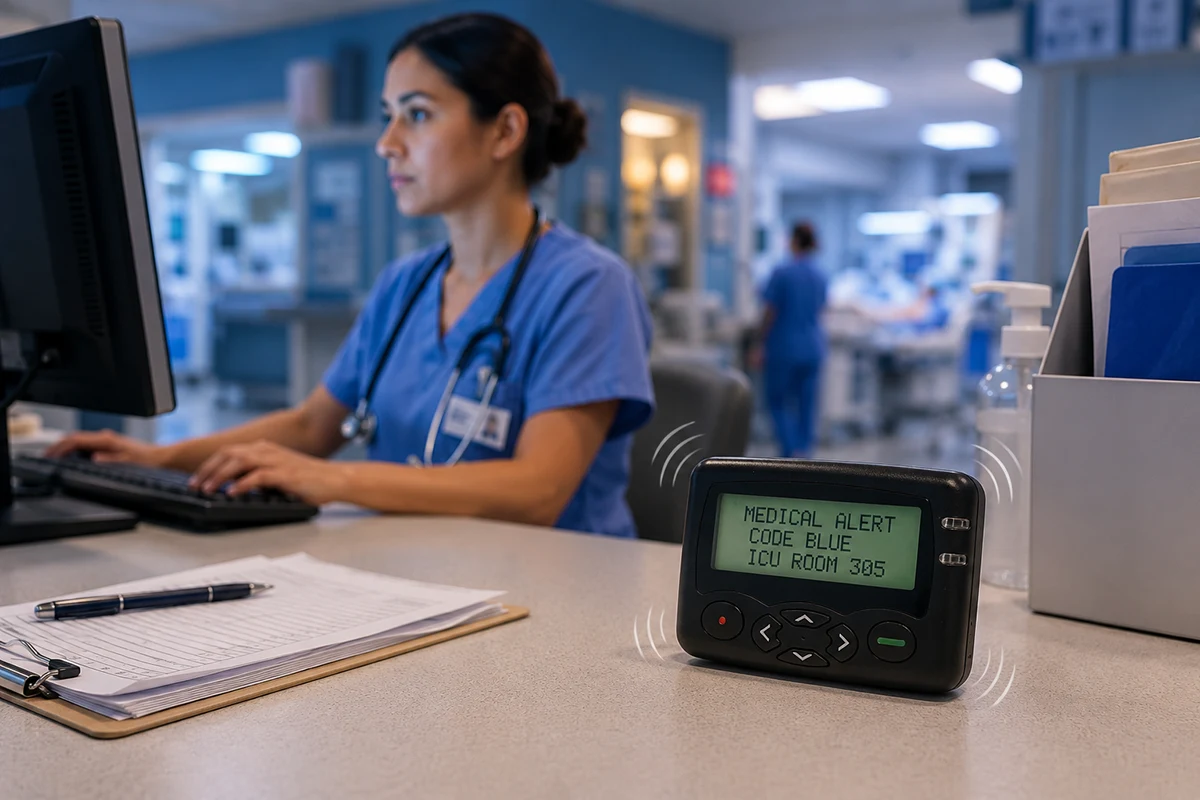
An alphanumeric pager can receive readable text. For staff alerts, this is usually more useful because the message can include the location, problem, and required action.
For example, “Line 2 pump fault—check within 10 minutes” is clearer than “Code 27.” More practical examples are discussed in the guide to alphanumeric pager message format.
For warehouses, factories, hospitals, and security teams, alphanumeric pagers are often easier to understand during time-sensitive work.
POCSAG Pager and POCSAG Paging System
POCSAG is a common protocol used in paging systems. A POCSAG pager receives messages from a compatible paging transmitter on the correct frequency and settings.
For buyers, the important point is compatibility. The pager, transmitter, frequency, baud rate, and capcode/RIC must match. These details are technical, so they should be confirmed before deployment.
For readers who need the technical planning side, the article on POCSAG pager frequency, baud rate, and capcode explains those parameters separately.
Where Businesses Use Wireless Paging Systems
Wireless paging systems are used where staff need fast, simple, and targeted alerts.
Warehouses and Distribution Centers
In warehouses, paging systems can notify supervisors, loading teams, maintenance staff, or specific work groups. They are useful when employees move across aisles, docks, storage areas, and equipment zones.
Manufacturing and Maintenance Teams
In factories, paging systems can support maintenance calls, production line alerts, machine fault messages, and safety-related staff notifications. They are most useful when a short alert needs to reach the right person quickly.
Hospitals and Healthcare Facilities
Hospitals and healthcare facilities may use paging systems for staff calls, engineering support, facility maintenance, and non-public internal alerts. A pager can deliver a targeted message without broadcasting the issue to an entire area.
Security and Facility Operations
Security teams, facility managers, and on-site response staff may use paging systems for duty calls, access issues, equipment alerts, and emergency support. Group paging can help notify a response team without calling each person one by one.
Wireless Paging System vs Mobile App, PoC Radio, and PA System
A wireless paging system is not always the only communication tool. In many businesses, it works alongside other channels.
When Paging Is Better
Paging is useful for short, targeted alerts. It works well when employees do not need a smartphone app for every message, when the message is simple, and when the receiving device should be easy to carry.
It is also useful when staff only need to know what happened and where to go next.
When PoC Radio Is Better
PoC radio is better when staff need real-time voice communication, group discussion, or coordination across several locations. For example, after a technician receives a pager alert, a PoC radio may help the team discuss the response.
The broader difference between network-based push-to-talk and traditional radio is explained in PoC radio vs two-way radio.
When PA Systems Are Better
A PA system is better for public or area-wide voice announcements. It is suitable for evacuation instructions, safety announcements, or general facility messages. It is not ideal for private staff alerts or detailed text instructions.
How to Choose a Wireless Paging System for Business
Choosing a wireless paging system starts with the communication need, not only the device.
First, define the coverage area. A small office, warehouse, hospital building, and industrial site may require different transmitter power and antenna planning.
Second, define the message type. Numeric codes may be enough for simple calls, but text messages are better for staff alerts, maintenance notices, and critical information.
Third, decide whether messages should go to individuals, groups, or both. A maintenance fault may go to one technician first, while an emergency alert may go to a whole response group.
Fourth, consider the operating environment. Battery life, pager durability, charging method, noise level, and staff mobility all affect the final choice.
Finally, confirm system compatibility. For POCSAG paging projects, frequency, baud rate, capcode/RIC, transmitter settings, and pager programming should be checked before rollout.
Frequently Asked Questions
What Is a Wireless Paging System?
A wireless paging system sends alerts, calls, or short messages from a controller or transmitter to pager receivers. Business systems are often used for staff alerts, maintenance calls, facility operations, healthcare support, and emergency response.
Is a Wireless Paging System the Same as a Restaurant Pager System?
Not always. Restaurant guest pagers are one type of wireless paging system. Business paging systems may use staff pagers, alphanumeric pagers, POCSAG pagers, and paging transmitters for internal communication.
What Is the Difference Between a Wireless Paging System and a PA System?
A wireless paging system sends messages to pagers carried by individuals or groups. A PA system broadcasts voice to an area. Paging is more targeted, while PA is better for public announcements.
Can a Wireless Paging System Send Text Messages?
Yes, if it uses alphanumeric pagers and compatible message software or controllers. Text messages are useful when staff need a clear location, problem description, or action instruction.
What Is a POCSAG Pager?
A POCSAG pager is a pager that receives messages using the POCSAG paging protocol. It must match the system frequency, baud rate, capcode/RIC, and transmitter configuration.
How Do Businesses Choose the Right Paging System?
Businesses should consider coverage area, message type, number of users, individual or group paging, transmitter setup, pager type, durability, battery method, and whether another channel is needed for two-way coordination.
Conclusion
A wireless paging system can support business staff alerts, on-site notifications, maintenance calls, and critical messages. The key is to choose the right system type, not just the lowest-cost pager.
For business use, staff pager systems, alphanumeric pagers, POCSAG pagers, and paging transmitters should be planned around coverage, message clarity, recipient groups, and response workflow. When real-time discussion is needed, paging can also work together with PoC radio, phone calls, or other communication tools.
How Does a Pager Work? From Radio Signal to Alphanumeric Message Display
Manufacturing Communication Systems: How Machine Alarms Reach the Right Staff
Related Article